
Private video guidance built for archives, not algorithms.
Explore practical guides about private video, preservation, streaming, family archives, churches, teams, organizations, and watching meaningful collections on Roku and the web.
Explore the latest ClosedCast guides
Every guide below is available without entering a search, so people and search crawlers can browse the library directly.
 2:16
2:16
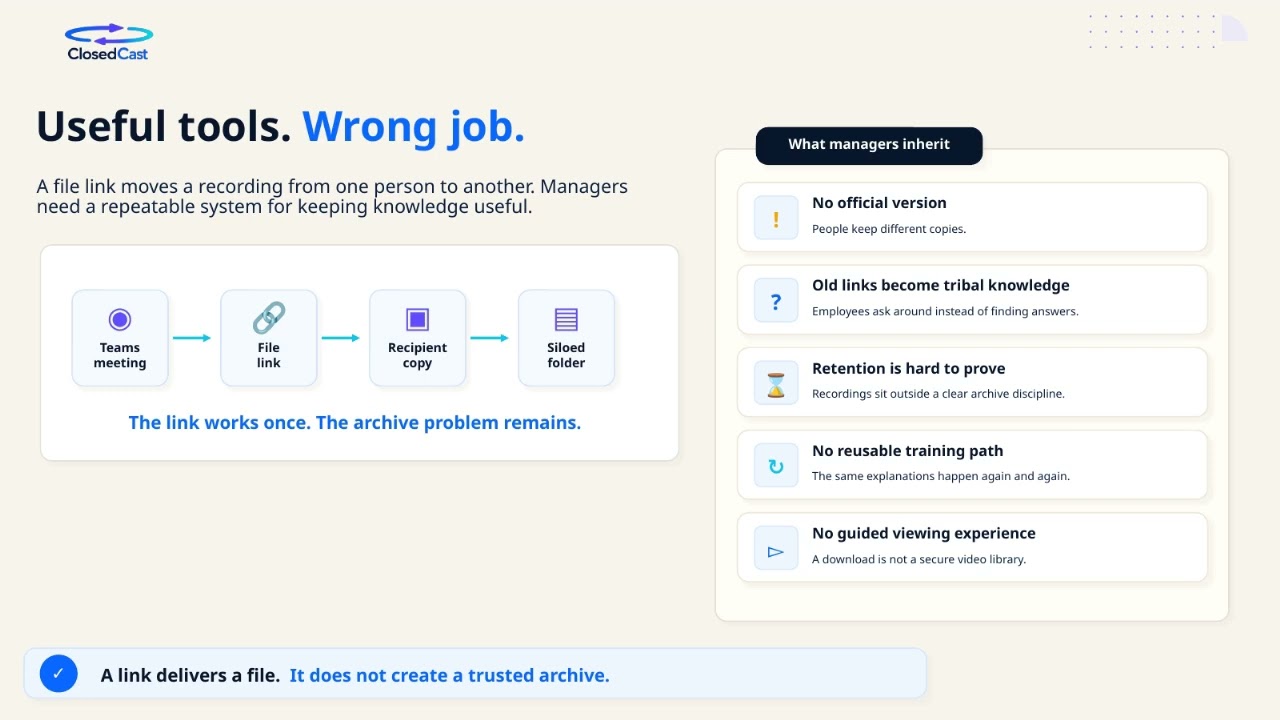
Archive Microsoft Teams meetings and build a private streaming library
Microsoft Teams meetings often contain essential institutional knowledge, training, and presentations that should be easy to find and rewatch. Rather than leaving recordings scattered across chats, OneDrive, and...
Watch and read the guide →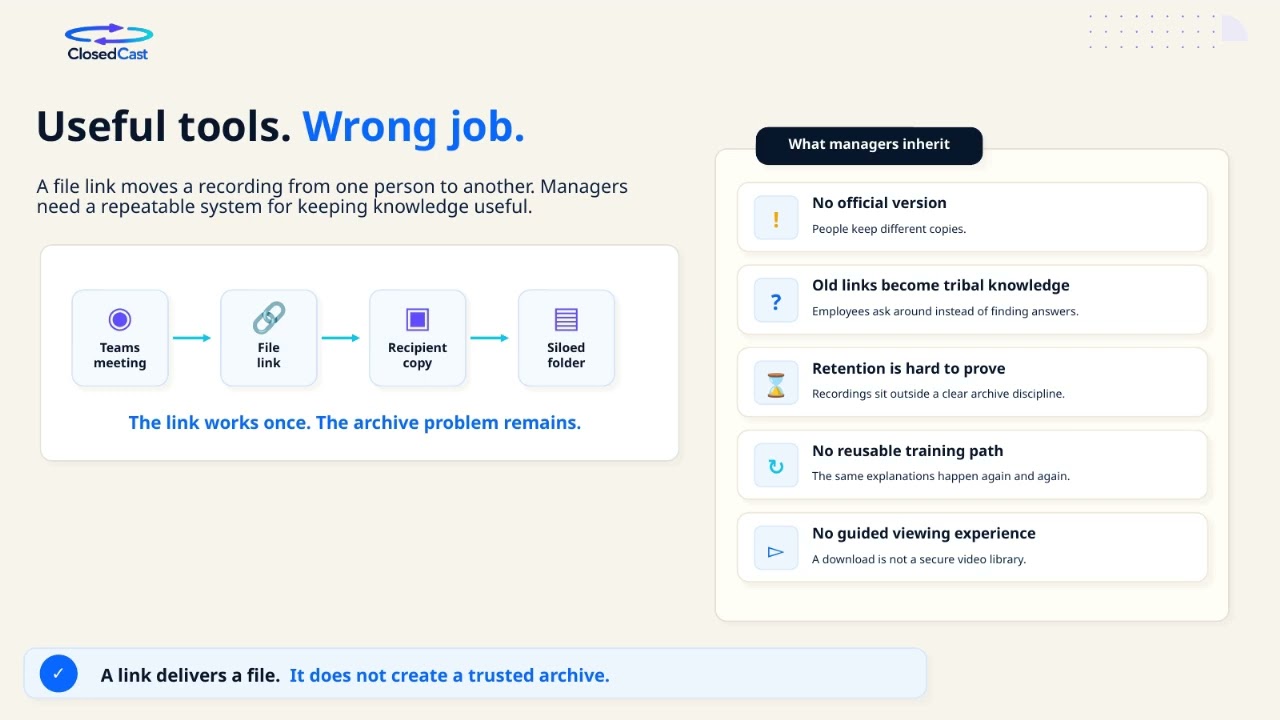 2:16
2:16
Manage your Microsoft Teams recordings
Microsoft Teams recordings are saved in different places depending on meeting type: most non-channel meeting recordings go to the meeting organizer’s OneDrive for Business, while channel meeting recordings are stored...
Watch and read the guide → 2:16
2:16
Archive Microsoft Teams Recordings into a Private Streaming Library
Microsoft Teams recordings often contain valuable training, presentations, and institutional knowledge but can become scattered across chats and storage. Archiving those recordings into a private streaming library...
Watch and read the guide → 2:16
2:16
Share Microsoft Teams recordings internally
Most Teams meeting recordings are stored in the meeting organizer’s OneDrive for Business; recordings from channel meetings are saved to the Team’s SharePoint site. To share a recording internally, open it from the...
Watch and read the guide →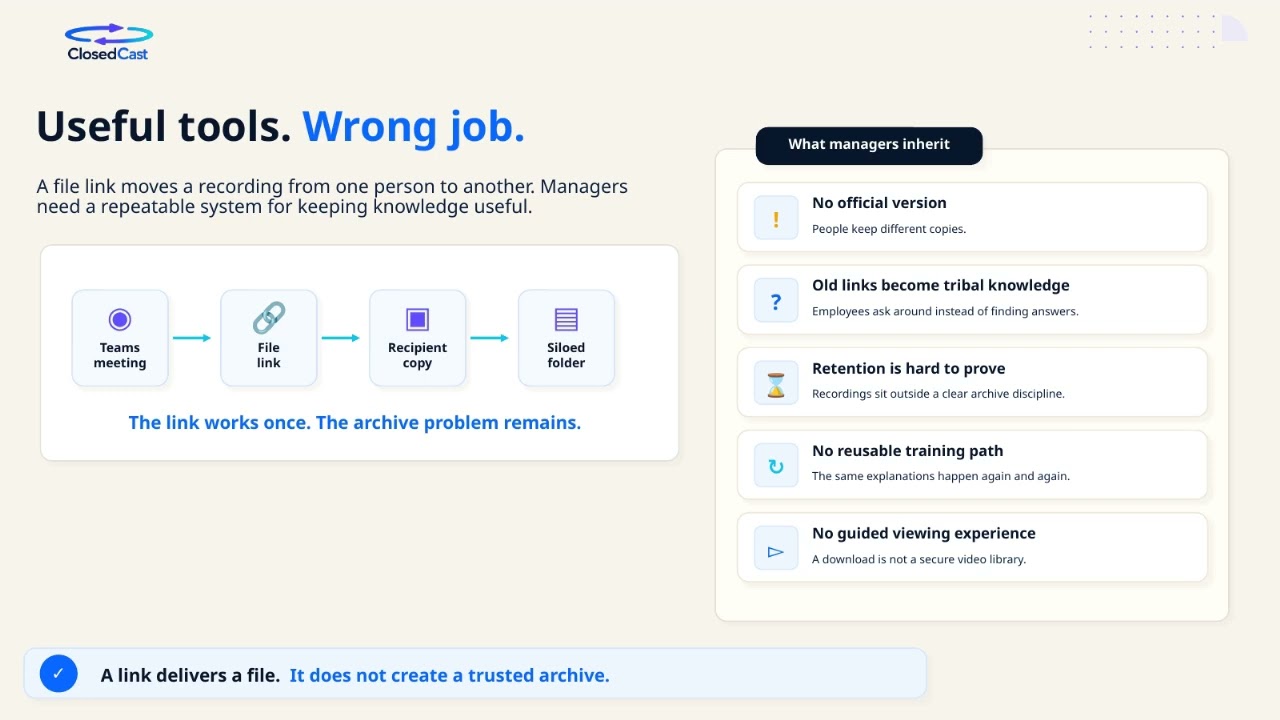 2:16
2:16
Turn Microsoft Teams recordings into a private video library with Zapier
Yes — Zapier can be used to automate the flow of Microsoft Teams recordings into a private video library. Automating this handoff reduces manual file management, ensures meeting content is preserved in a single place...
Watch and read the guide → 2:16
2:16
Find and download a Microsoft Teams meeting recording
Microsoft Teams meeting recordings are saved in the meeting organizer’s OneDrive for Business (usually a Recordings folder) for regular meetings and in the channel’s SharePoint site for channel meetings. You can find...
Watch and read the guide →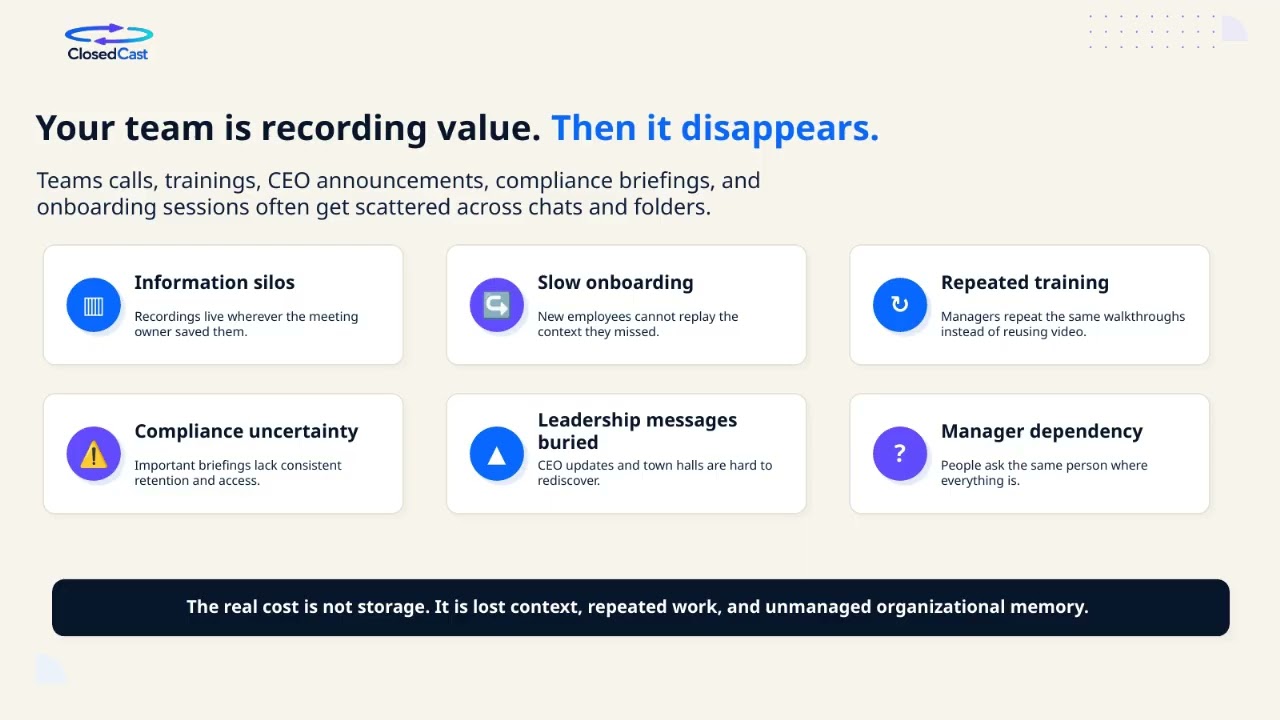 2:16
2:16
Microsoft Teams recordings: access, storage, and best practices
Microsoft Teams can record meetings so participants can replay or review sessions later. Recordings are stored in your Microsoft 365 file services and access is controlled by file permissions. For teams and coaches...
Watch and read the guide →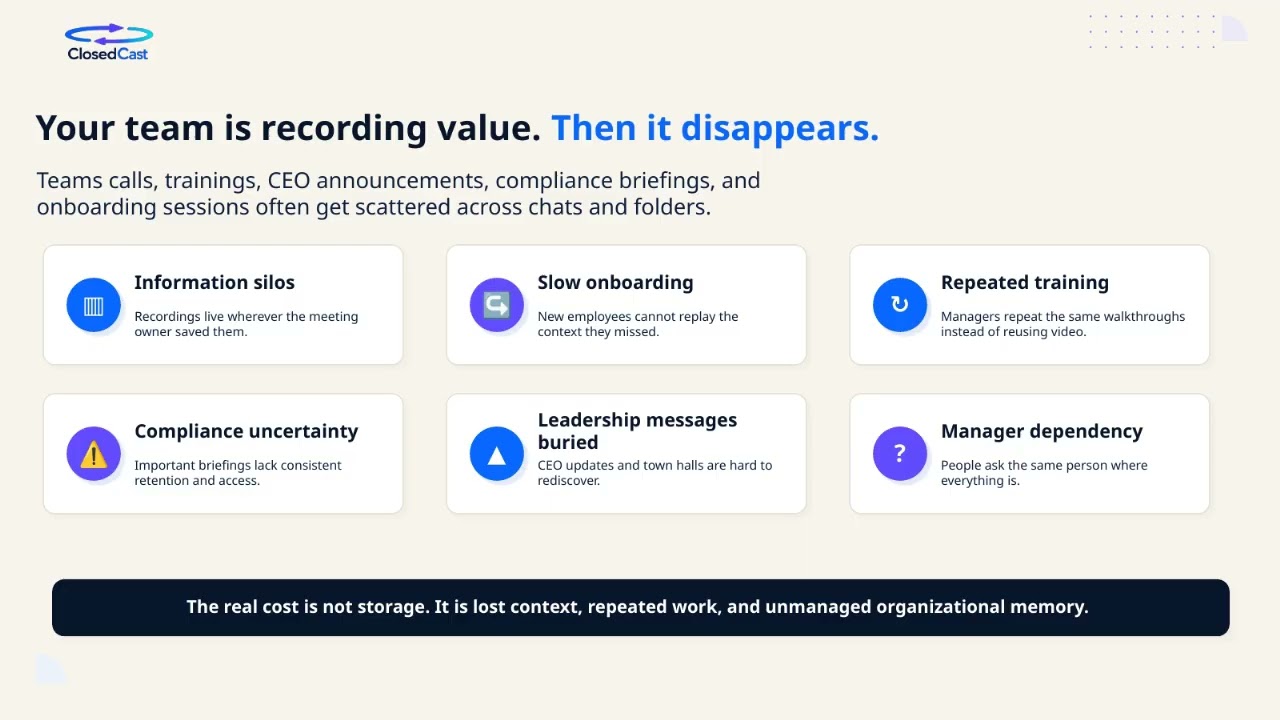 2:16
2:16
Where Microsoft Teams meeting recordings are stored and who can view or download them
Microsoft Teams recordings are saved either to the meeting organizer’s OneDrive or the Team’s SharePoint site depending on meeting type. Regular (non-channel) meeting recordings go to the organizer’s OneDrive >...
Watch and read the guide → 2:16
2:16
Where is my Teams recording saved?
Microsoft Teams does not keep recordings in a separate Teams-only storage location. Most recordings are stored in Microsoft 365: non-channel meetings go to the meeting organizer’s OneDrive → Recordings folder, while...
Watch and read the guide → 4:29
4:29
Watch Private Videos with a Netflix-like Streaming Experience
If you want to watch private videos without digging through folders or scattered links, a Netflix-like private streaming library gives viewers a familiar, browsable experience. Solutions described in this video turn...
Watch and read the guide → 4:29
4:29
How to Watch Private Videos on ClosedCast
ClosedCast gives trusted viewers access to private videos through a private, organized library rather than single public links. You can browse and rewatch collections on the web or stream them to Roku without public...
Watch and read the guide → 4:29
4:29
Private video viewer online
A private video viewer online lets trusted viewers watch videos without public feeds, ads, or algorithm-driven distractions. It focuses on controlled access, clear organization, and replayability so your content...
Watch and read the guide →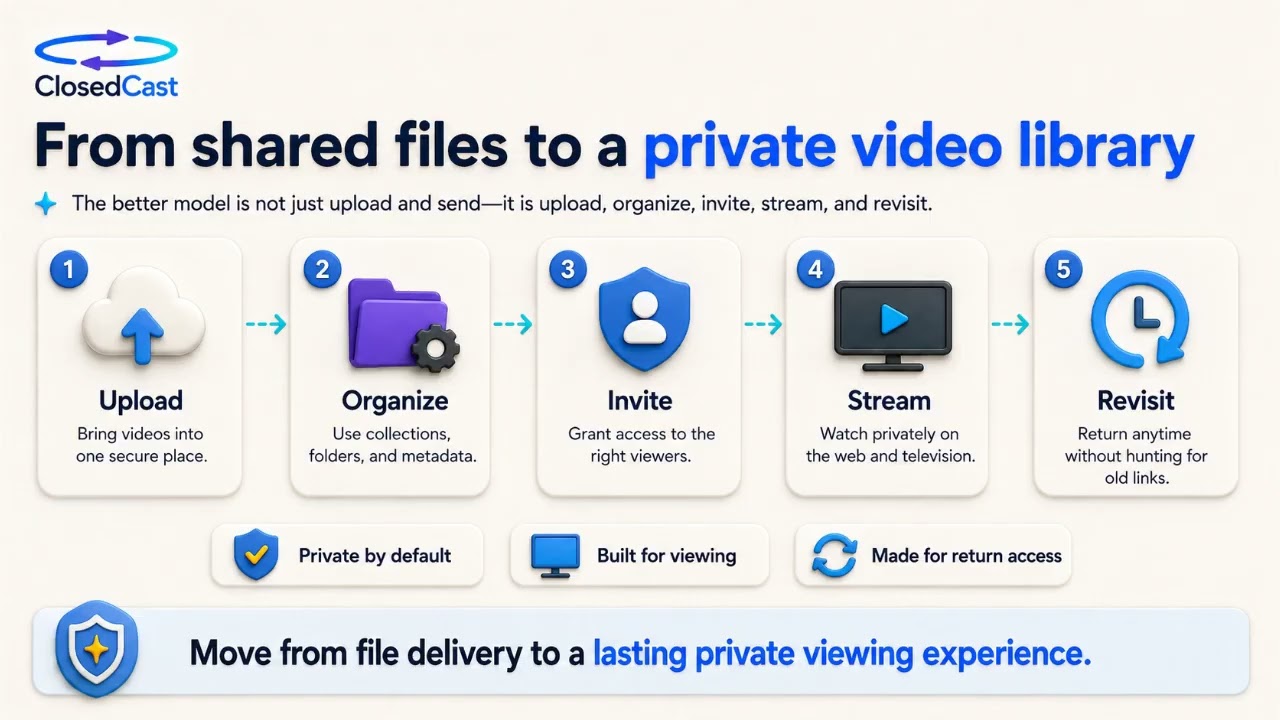 4:29
4:29
Best YouTube Alternative for Private Video in 2026
If your videos are meant for family, members, clients, students, or internal teams, a public-first platform like YouTube can be the wrong fit. Private video platforms give you organized, ad‑free libraries and...
Watch and read the guide →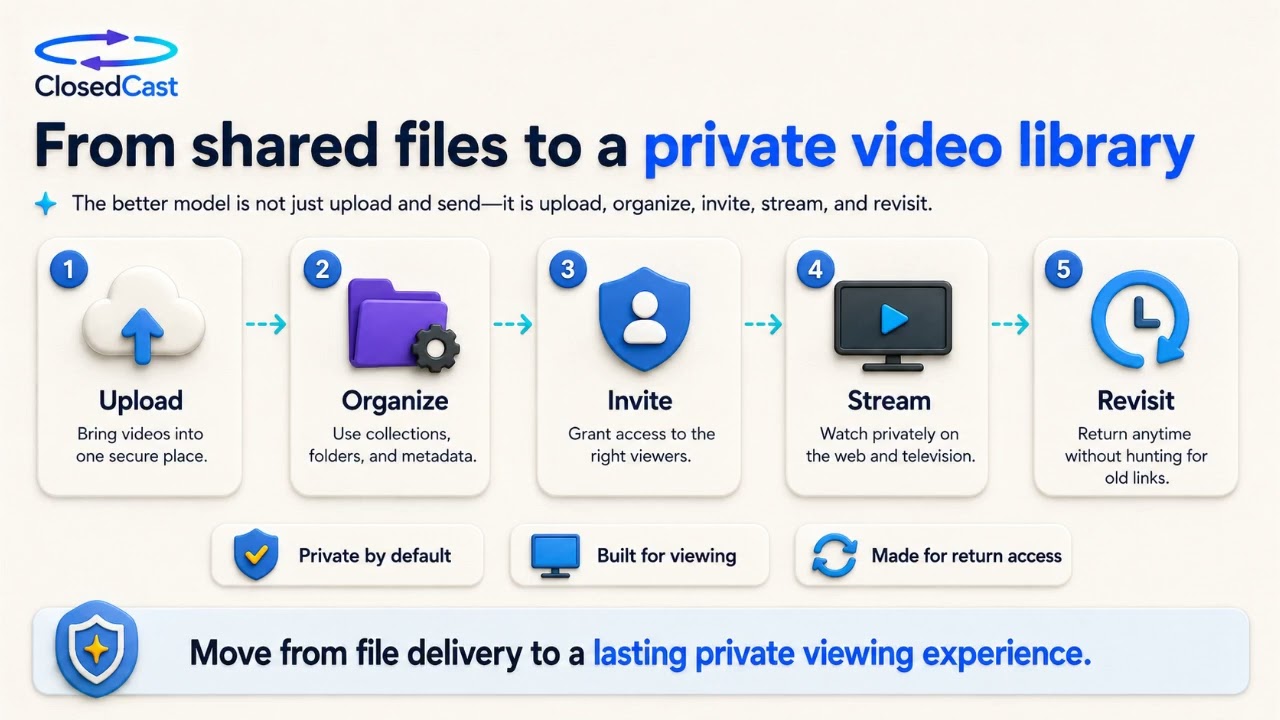 4:29
4:29
How to watch private videos
You can watch private videos via single private links, password-protected pages, or a private streaming library that you sign into. For repeat viewing, browsing, and TV-friendly playback, a private video library is...
Watch and read the guide →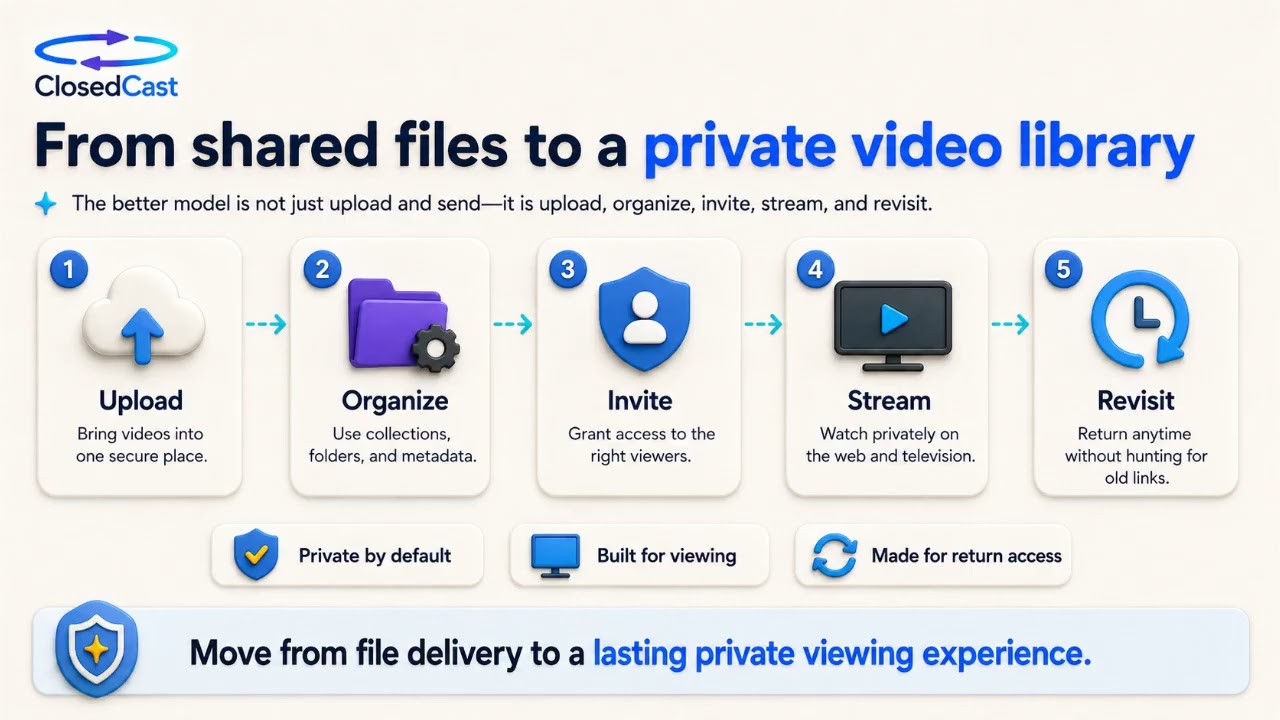 4:29
4:29
Private video watching apps: what to look for
Private video watching apps let you share videos with trusted viewers without public feeds, ads, or algorithm-driven recommendations. The most important considerations are who can access the videos, how they stay...
Watch and read the guide → 4:29
4:29
How to host videos without YouTube or Vimeo
If you need video access limited to a defined audience, private video hosting keeps content out of public platforms and search-driven feeds. Private hosts focus on controlled access, organization, and long-term...
Watch and read the guide → 4:29
4:29
How one mistake can cost your private videos (and what to do about it)
A single mistake—like a forgotten password, a dead hard drive, or an expired sharing link—can make private videos permanently inaccessible. Preventing that loss means treating important video files as a long‑term...
Watch and read the guide →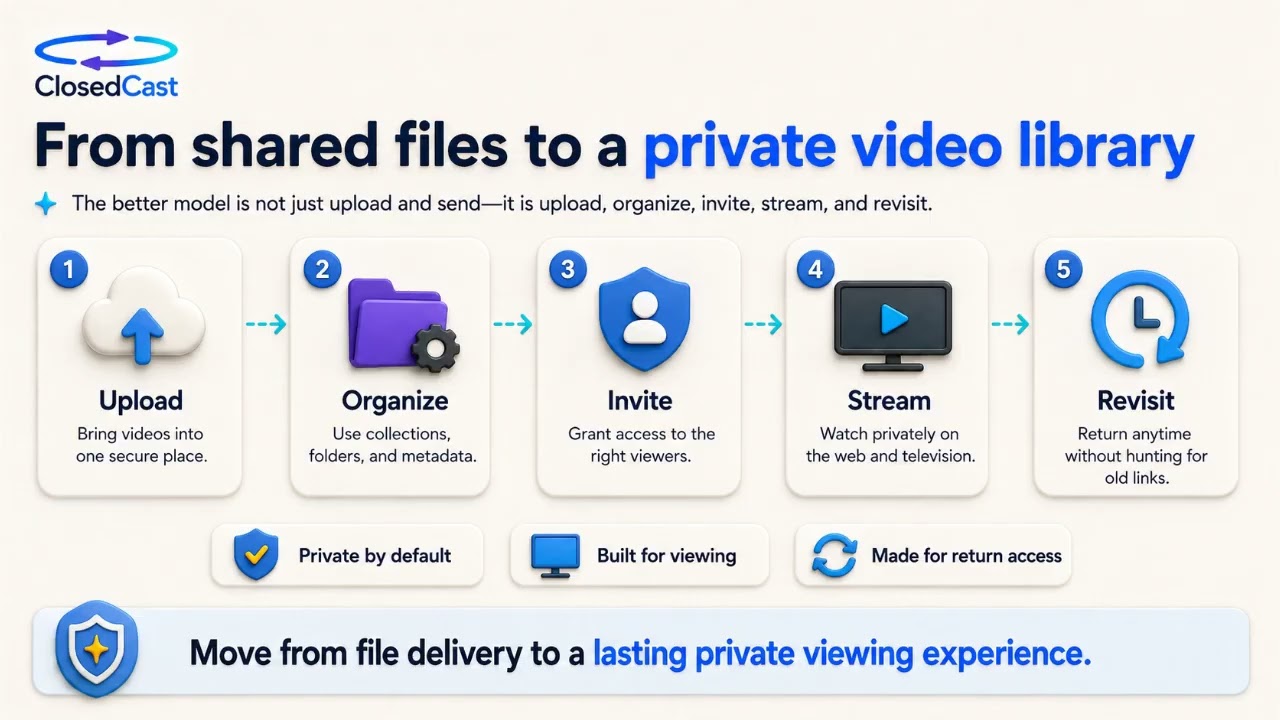 4:29
4:29
How to share private videos — full guide
Sharing private videos can mean anything from sending a one‑off file to building an organized, replayable library. This guide explains the main sharing options, what each is best for, and the factors that indicate you...
Watch and read the guide → 4:29
4:29
Video uploading made easy: private uploads, organized libraries
Uploading private videos doesn't need to be complicated. ClosedCast describes a simple workflow—upload, organize, share privately, then stream—that turns files into an organized private video library. It’s aimed at...
Watch and read the guide → 4:29
4:29
Private video access: how it works
Private video access is possible without relying on public feeds, open links, or complex self‑hosted media servers. The best approach combines clear access controls with organization and easy streaming so trusted...
Watch and read the guide → 4:29
4:29
Private video streaming platform: what to look for
A private video streaming platform lets you host video collections for selected viewers instead of the public internet. Look for strong access controls, consistent organization and search, and replay-friendly playback...
Watch and read the guide →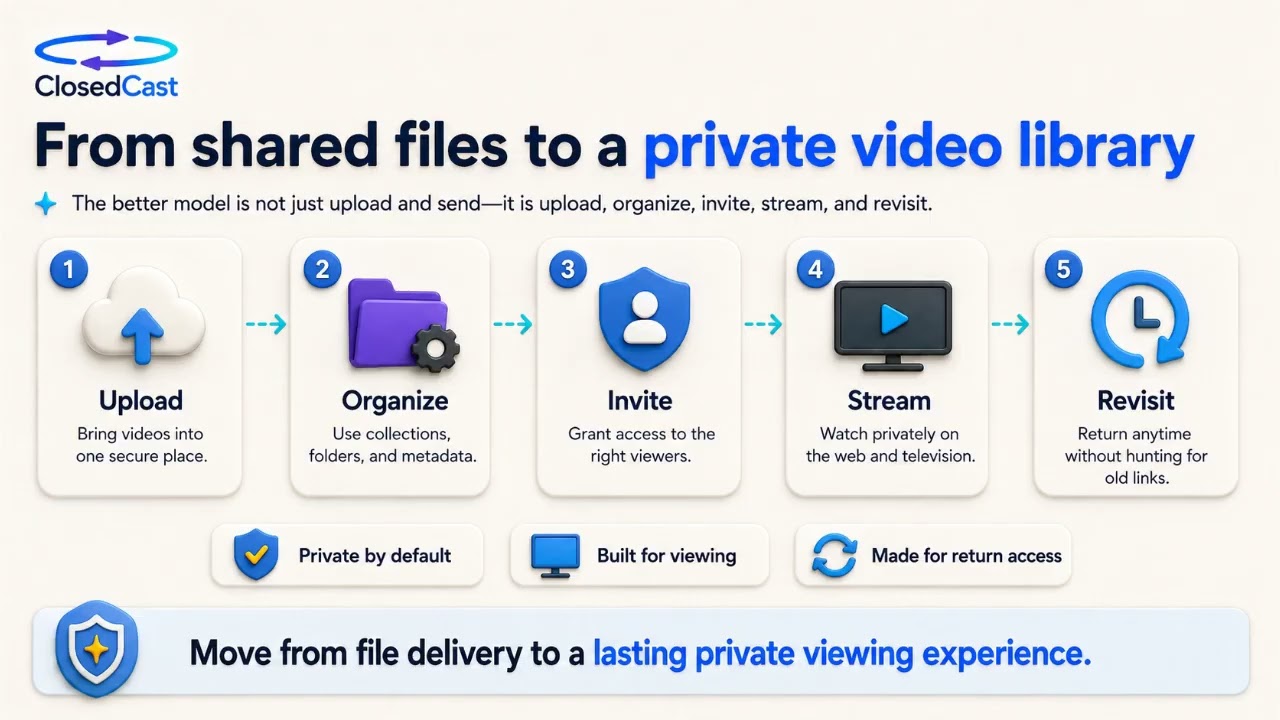 4:29
4:29
How to share videos privately
You can share videos privately in two broad ways: quick, one-off methods (cloud links, private or unlisted uploads) or by building an organized private library for ongoing access. One-off methods are fast but can be...
Watch and read the guide → 4:29
4:29
YouTube alternative for private video
If you want private video that stays organized, easy to browse, and only available to trusted viewers, a purpose-built private hosting platform can be a better fit than YouTube’s public-platform model. Alternatives...
Watch and read the guide →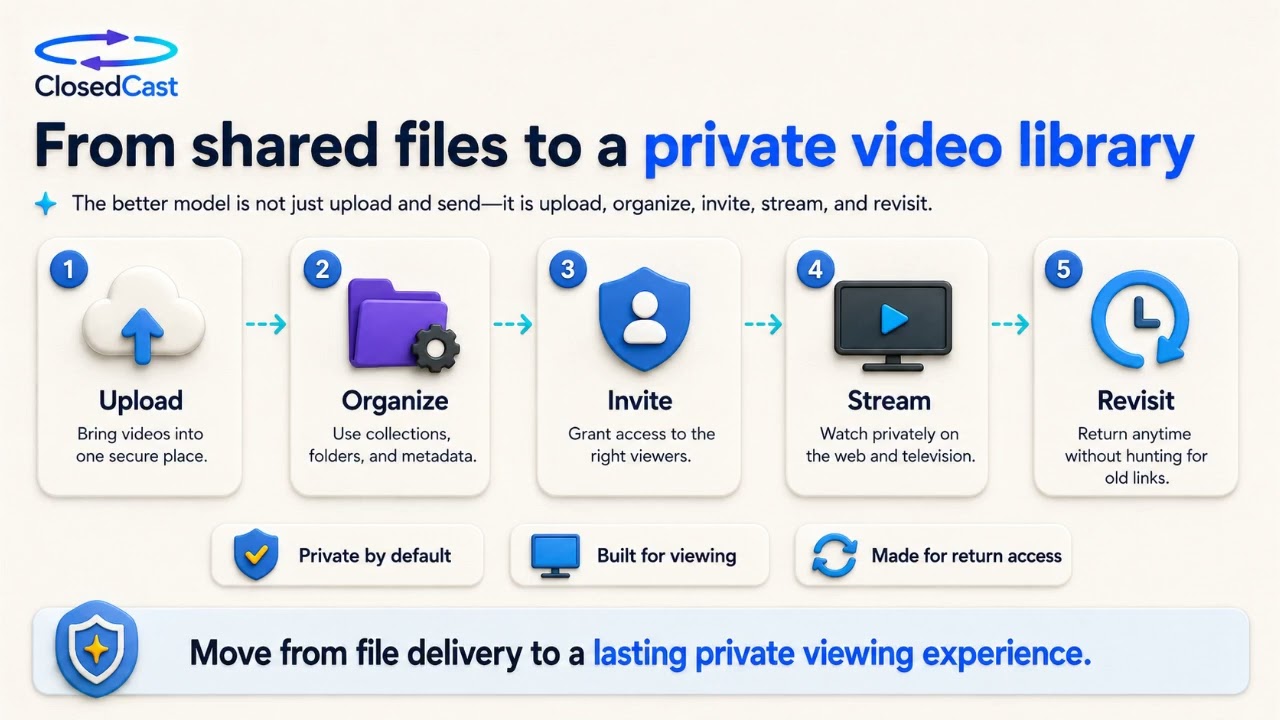 4:29
4:29
Free private video sharing sites: what to know
Free private video sharing sites can be fine for temporary transfers or one-off sharing, but they differ widely in privacy, storage, and playback. If you only need to send a single file, a free link or cloud folder may...
Watch and read the guide →


ClosedCast is an emerging leader in private video streaming , helping families, churches, teams, and organizations securely archive, share, and watch private videos online and on TV.