
Private video guidance built for archives, not algorithms.
Explore practical guides about private video, preservation, streaming, family archives, churches, teams, organizations, and watching meaningful collections on Roku and the web.
Explore the latest ClosedCast guides
Every guide below is available without entering a search, so people and search crawlers can browse the library directly.
 5:49
5:49
Private video hosting that feels like streaming
An unlisted link solves one narrow problem: keeping a single video out of public search. A private video library goes further by organizing multiple private videos into a browsable collection people can revisit and...
Watch and read the guide → 5:49
5:49
Unlisted video vs private streaming archive
Unlisted links are a fast, low-friction way to share a single video with someone who has the URL. But if you need a growing collection that people can privately find, browse, and return to over months or years, a...
Watch and read the guide → 5:49
5:49
Unlisted vs private video: what each really means
An unlisted video is not publicly searchable, but anyone with the link can usually watch it. If your goal is a lasting, organized library with controlled access and easy return—rather than a single hidden link—a...
Watch and read the guide → 5:49
5:49
Private streaming archives explained
A private streaming archive is a dedicated, private video library designed for recordings you want to keep accessible over time—without making them public. Unlike simply uploading files or sharing links, an archive...
Watch and read the guide → 5:49
5:49
Private video sharing for people who need more than a link
Sending a file link can work for a one-off handoff, but it’s easy for important recordings to get lost in messages, folders, or expired links. A lasting private-video approach gives those recordings a home: organized...
Watch and read the guide → 5:49
5:49
Private video hosting for a lasting video archive
Private video hosting means keeping meaningful recordings in a controlled, searchable streaming library rather than scattering files across cloud folders, social platforms, and hard drives. A lasting archive focuses on...
Watch and read the guide →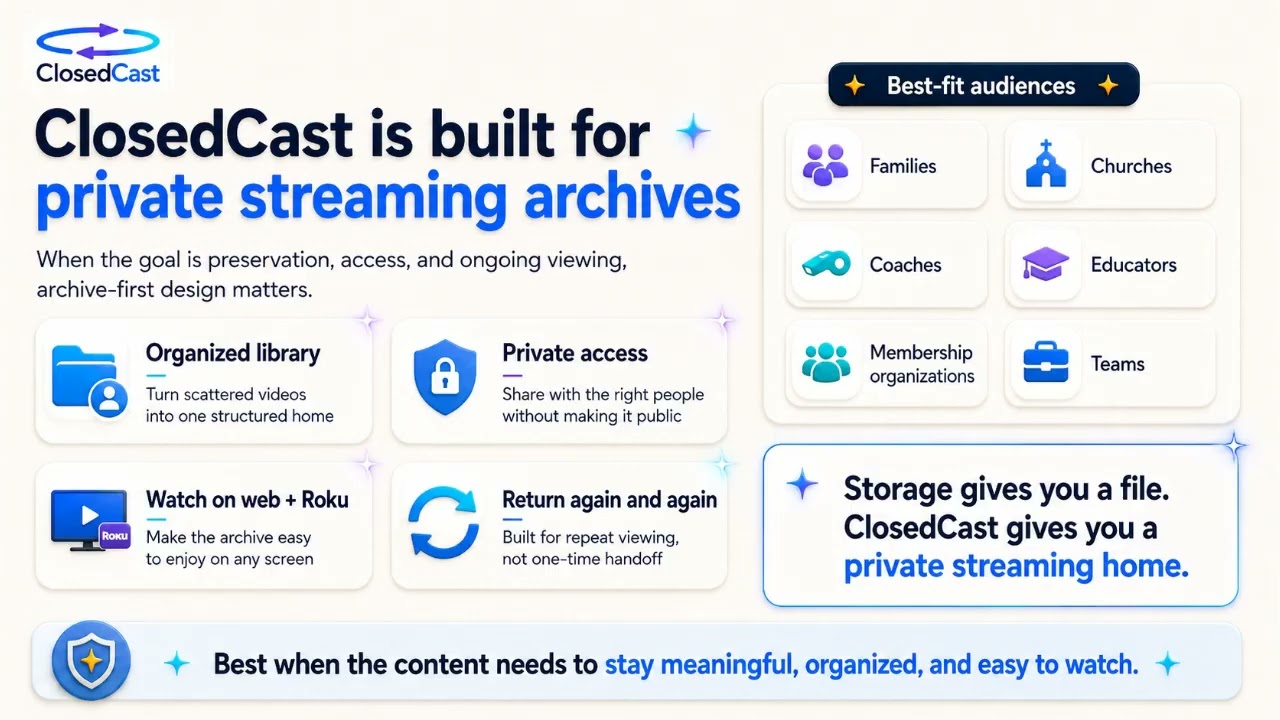 9:59
9:59
Unlisted video vs private streaming archive
An unlisted video gives anyone with the link access while keeping the file out of ordinary public discovery — it’s useful for single, temporary, or limited-audience shares. A private streaming archive is built for...
Watch and read the guide → 9:59
9:59
Private Video Streaming
Private video streaming gives groups a dedicated, private library for watching important video collections without repeatedly downloading files or juggling scattered links. It’s designed for repeat viewing, controlled...
Watch and read the guide →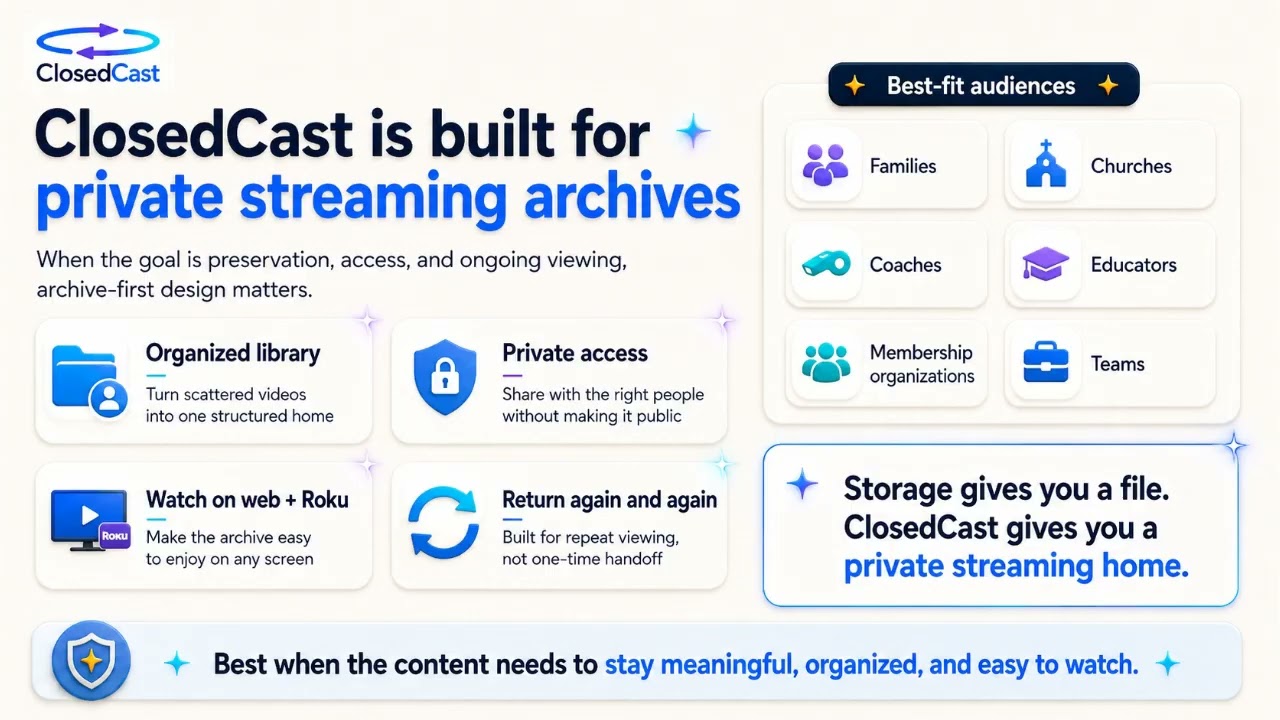 9:59
9:59
Unlisted video vs private streaming
An unlisted video link can be a fast, simple way to share a single clip without making it publicly searchable. But unlisted links are not the same as a private streaming archive: if you need organized collections...
Watch and read the guide → 9:59
9:59
Choose the Right Platform for Private Video
Start by defining the job you need your video platform to do best. If your priority is a private, organized streaming archive that trusted viewers can return to, choose a platform built for private video and long‑term...
Watch and read the guide → 9:59
9:59
Private video streaming vs file sharing
File sharing and private video streaming both let people access video files, but they solve different problems. File sharing is delivery-focused—send a file or link for a one-time download. Private streaming is...
Watch and read the guide → 9:59
9:59
Private Video Hosting: Give your collection a private streaming home
Sending individual file links works for one-off transfers, but it breaks down as collections grow. Private video hosting creates a single, organized streaming library with controlled access so trusted viewers can find...
Watch and read the guide → 9:59
9:59
Private video sharing made simple
Private video sharing gives a trusted group ongoing access to a curated, private streaming library rather than sending one-off files or temporary links. A private streaming archive keeps videos organized, preserves...
Watch and read the guide → 9:59
9:59
Private video hosting that feels like streaming
Private video hosting isn’t just about storing files—it's about how people actually watch and return to meaningful videos. A streaming-style private archive makes collections easy to browse, protects access, and avoids...
Watch and read the guide → 9:59
9:59
Private video streaming for families, churches, and organizations
Private video streaming gives families, churches, and organizations a single, controlled place to store and replay meaningful video collections. Instead of scattered links and downloads, a private streaming archive...
Watch and read the guide → 9:59
9:59
Private video hosting, sharing, streaming & archives explained
“Private video” can mean very different things: a password-protected file, a private link for one person, a streamed viewing experience, or a maintained private archive. Choosing the wrong approach creates extra cost...
Watch and read the guide →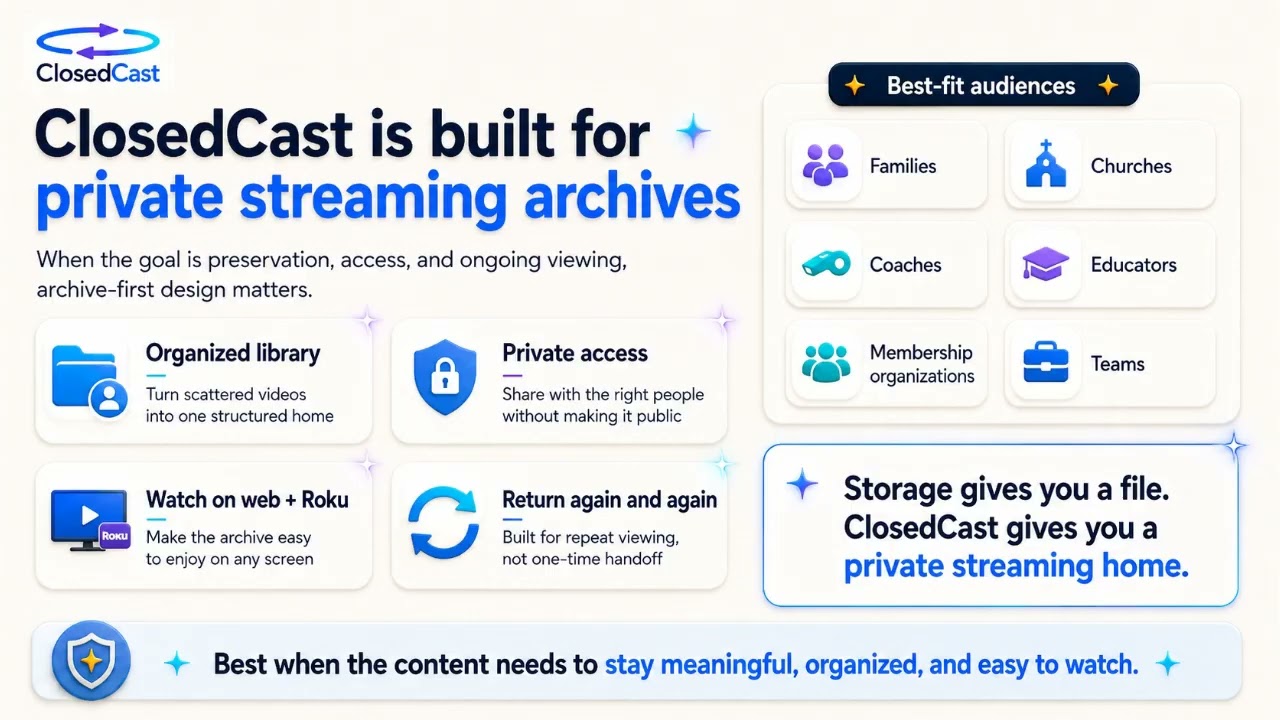 9:59
9:59
Private video hosting: choosing the right platform
Different video platforms are built for different jobs. Public platforms like YouTube prioritize discovery and reach; marketing-focused hosts like Wistia emphasize engagement and lead tools; editing tools like VEED...
Watch and read the guide → 9:59
9:59
Private video sharing without YouTube
If you want to keep videos restricted to a defined group—family, church members, trainees, or organization stakeholders—YouTube's public-discovery model can be the wrong fit. Private video sharing and private streaming...
Watch and read the guide →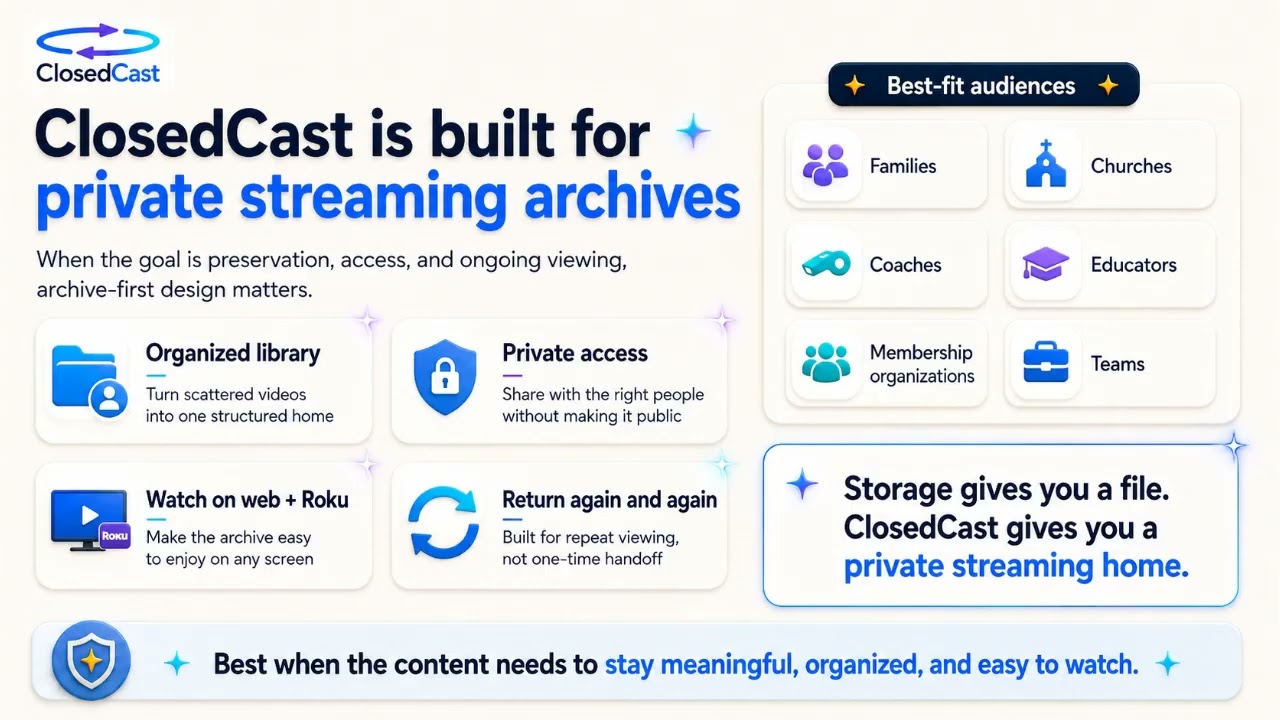 9:59
9:59
Private video streaming: a better way to share videos privately
Private video streaming gives important videos a dedicated, private home instead of scattering files, download links, or buried cloud folders. It’s built for ongoing viewing: organized libraries, controlled access, and...
Watch and read the guide → 9:59
9:59
Private video hosting: choosing the right platform
Private video hosting provides a controlled, organized place to stream videos that aren’t meant for public discovery. Choose private hosting when privacy, long‑term access, and an easy-to-navigate library for trusted...
Watch and read the guide → 9:59
9:59
Private video hosting for secure, organized archives
Private video hosting gives important videos a dedicated, private streaming home so they stay accessible to the people they were intended for. Instead of public discovery or scattered files, private hosting focuses on...
Watch and read the guide → 2:16
2:16
Download and preserve Microsoft Teams recordings
Microsoft Teams meeting recordings can be preserved beyond their original location by locating the file in OneDrive or SharePoint, downloading it when permitted, and moving it into a dedicated private archive. That...
Watch and read the guide →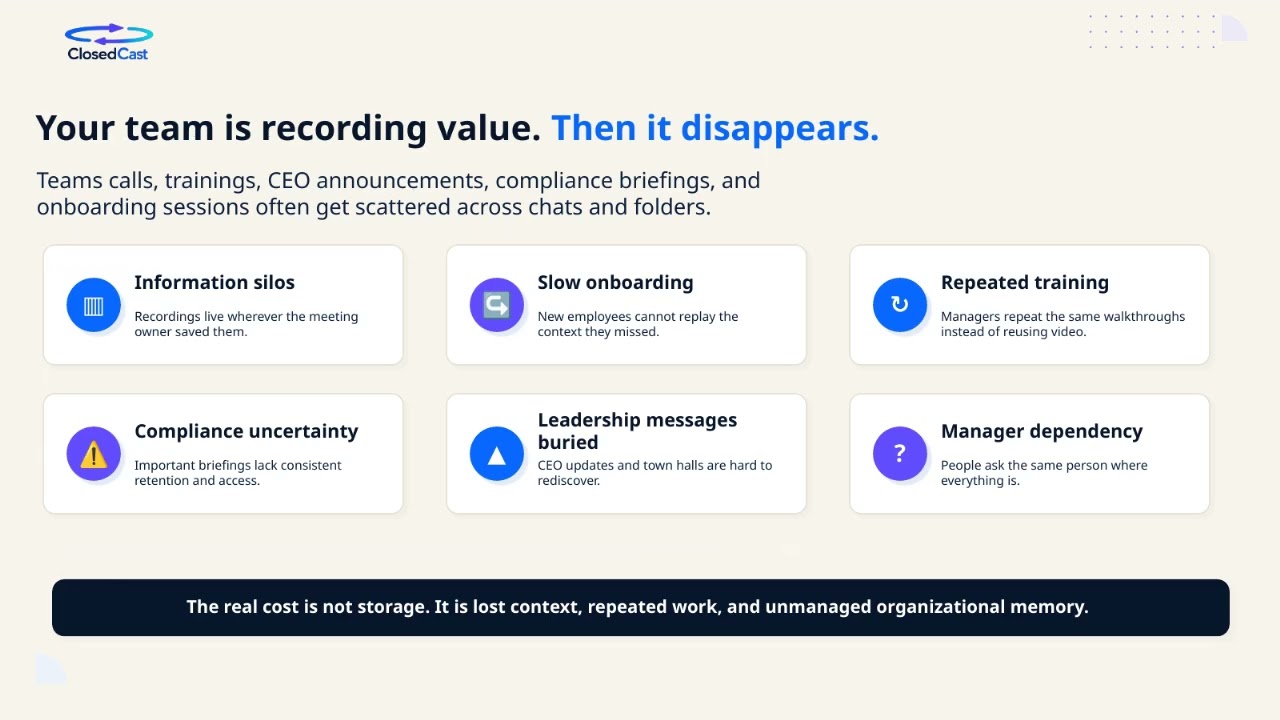 2:16
2:16
Download and archive Microsoft Teams meeting recordings
Microsoft Teams saves most non-channel meeting recordings in the meeting organizer’s OneDrive for Business (usually a Recordings folder) and channel recordings in the Team’s SharePoint site. Typically only the meeting...
Watch and read the guide → 2:16
2:16
How to find saved Microsoft Teams recordings
After a Teams meeting ends, you can usually open the saved recording from the meeting chat or by opening the meeting in your Teams Calendar and checking the Recap. The actual video file lives in your organization’s...
Watch and read the guide →


ClosedCast is an emerging leader in private video streaming , helping families, churches, teams, and organizations securely archive, share, and watch private videos online and on TV.