
How to Watch Private Videos
Private video should be easy to watch—not buried in folders, download links, or public feeds.
To watch private videos, you need permission from the video owner and a viewing method that supports controlled access. Depending on the service, that can mean accepting an invitation, signing in to an authorized account, opening a secure link, or using an approved TV app. With ClosedCast, invited viewers can watch through a private streaming library on the web or Roku without making the videos public.
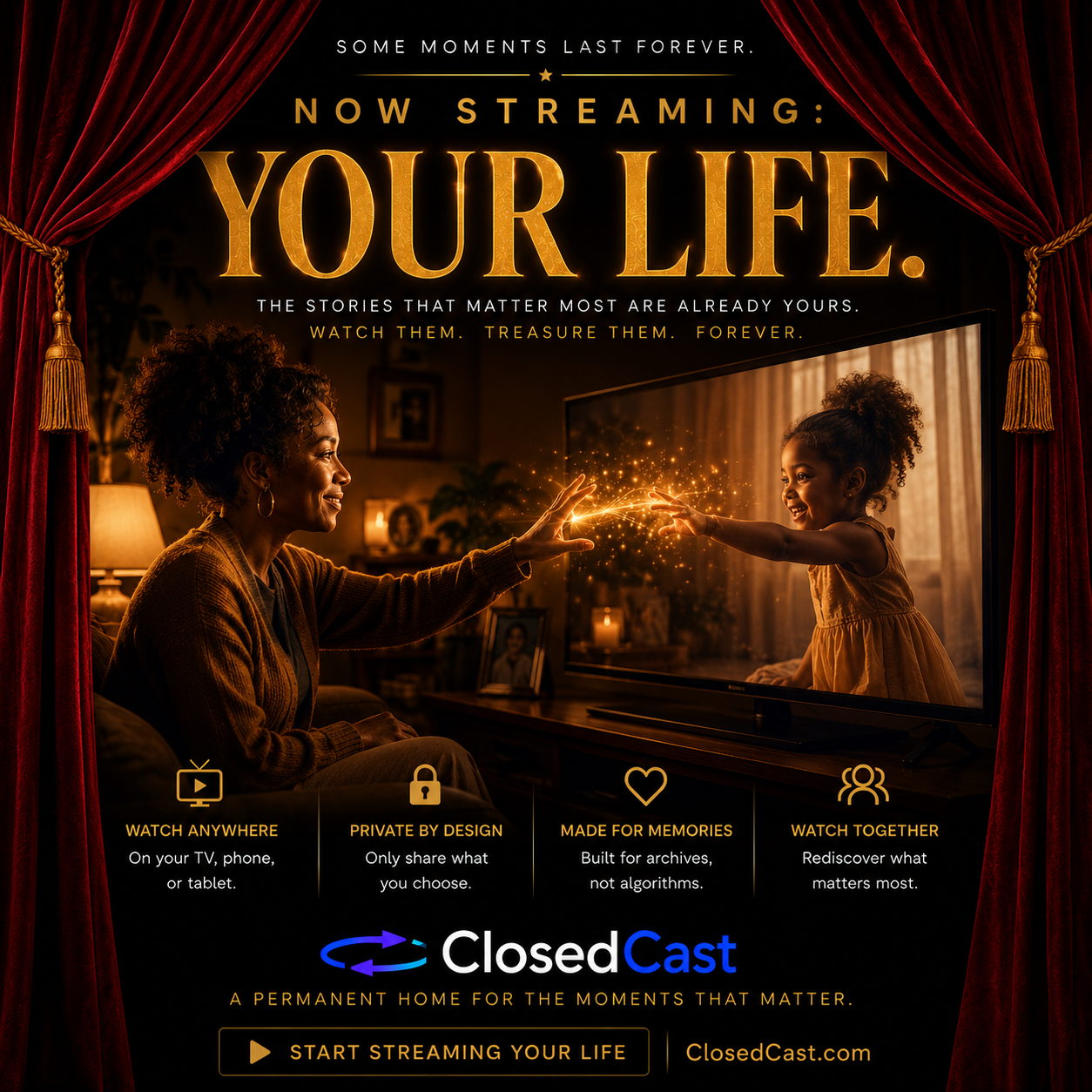
You watch a private video through an access-controlled service rather than an openly published video page. The owner gives you permission—usually through an invitation, account, secure link, or authorized device—and the platform verifies that access before playback.
Accept the invitation, sign in with the authorized account, open the video, and watch.
Upload, organize, and stream your own videos from a private video library.
Use a supported TV experience such as ClosedCast for Roku to browse and watch your library.
How private video streaming works
The owner adds the video
Video is uploaded to a private streaming library instead of a public feed.
Access is granted
The owner chooses who should be allowed to watch.
The viewer signs in
The invited viewer verifies access through an authorized account.
Press play
The viewer streams the video on a supported browser or television device.
Where can you watch private videos?
Web browser
Watch from a modern browser on your computer.
Phone or tablet
Access a private library through a compatible web experience.
Roku
Open ClosedCast on Roku and stream your accessible private library.
Living room TV
Turn a collection into a repeatable, TV-friendly viewing experience.
What makes a video private?
A private video is video whose viewing audience is intentionally restricted rather than openly published for anyone to discover. Privacy is about controlling the audience—not simply hiding a URL.
There are several ways to watch private videos
| Method | Good for | Main limitation |
|---|---|---|
| Cloud storage | Sending files | File-centric, not streaming-first |
| Unlisted / private social video | Occasional sharing | Built around a public platform |
| Self-hosted media server | Technical users | Requires infrastructure and management |
| Private video platform | Controlled streaming | Capabilities vary by platform |
| ClosedCast | Private archives + invited viewers + TV | Purpose-built for private libraries |
The best option depends on your audience, privacy requirements, viewing devices, capabilities, technical resources, scale, budget, and priorities.
Compare video solutions with the requirements calculator →A private video library should feel like streaming.Not like sending files.
ClosedCast turns important videos into an organized private streaming archive. Upload your videos, organize them into Collections, invite the people you choose, and give them a simple place to watch on the web or Roku.
Who watches private videos with ClosedCast?
Private video is useful when the audience matters. ClosedCast is built for people and organizations that want a repeatable, controlled place to preserve and watch important video.
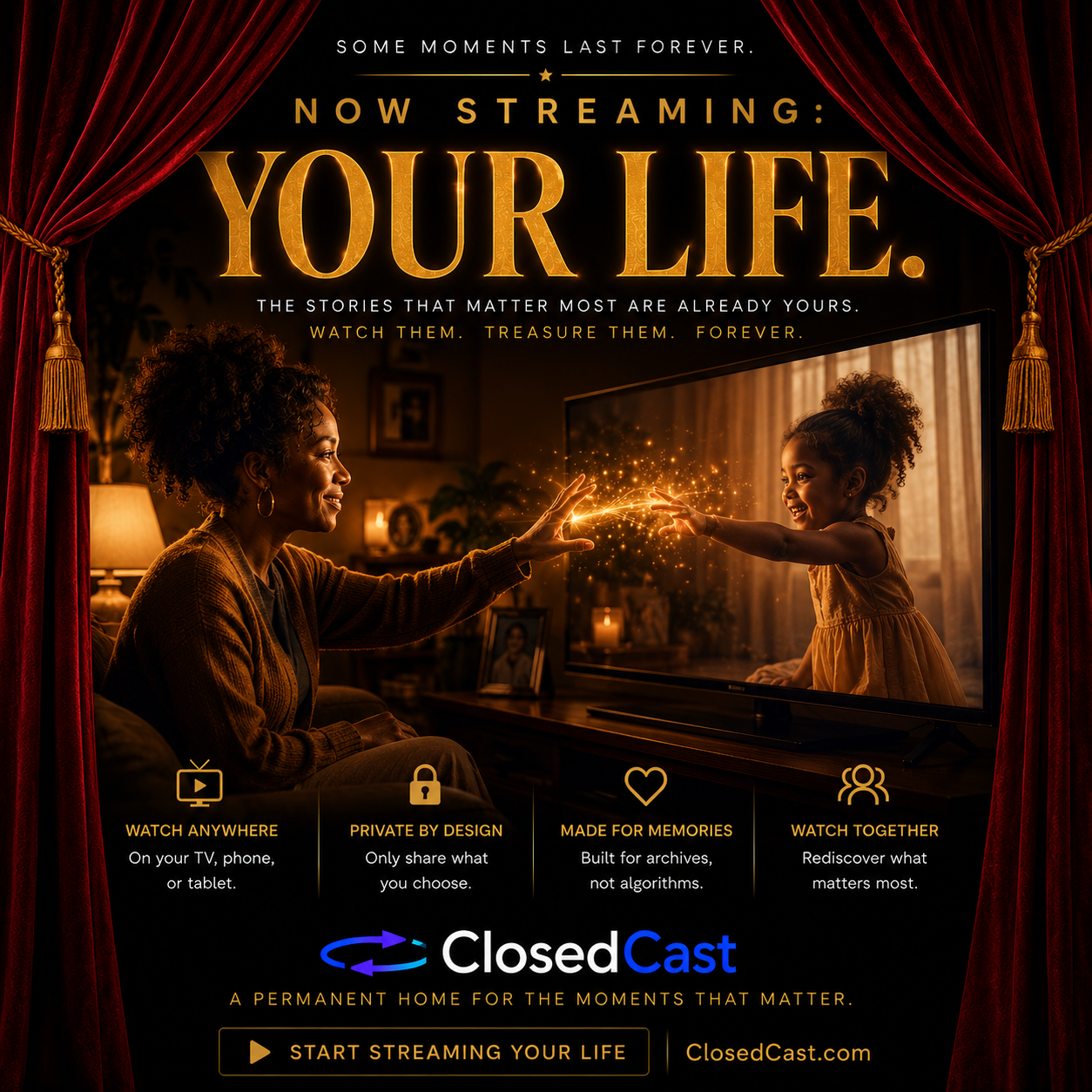
Families
Home movies, milestones, travel, celebrations, and family history in one private archive.
Explore families →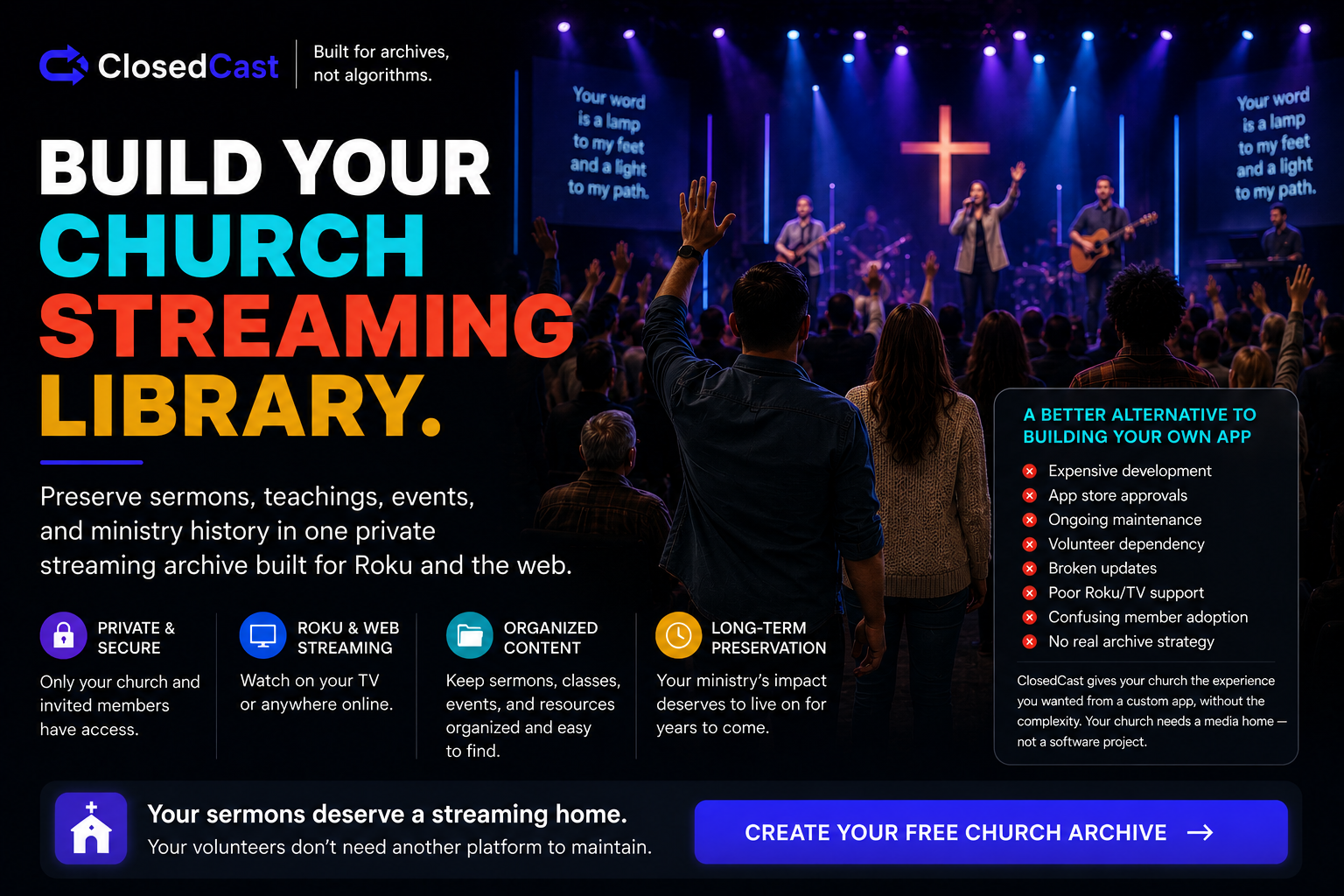
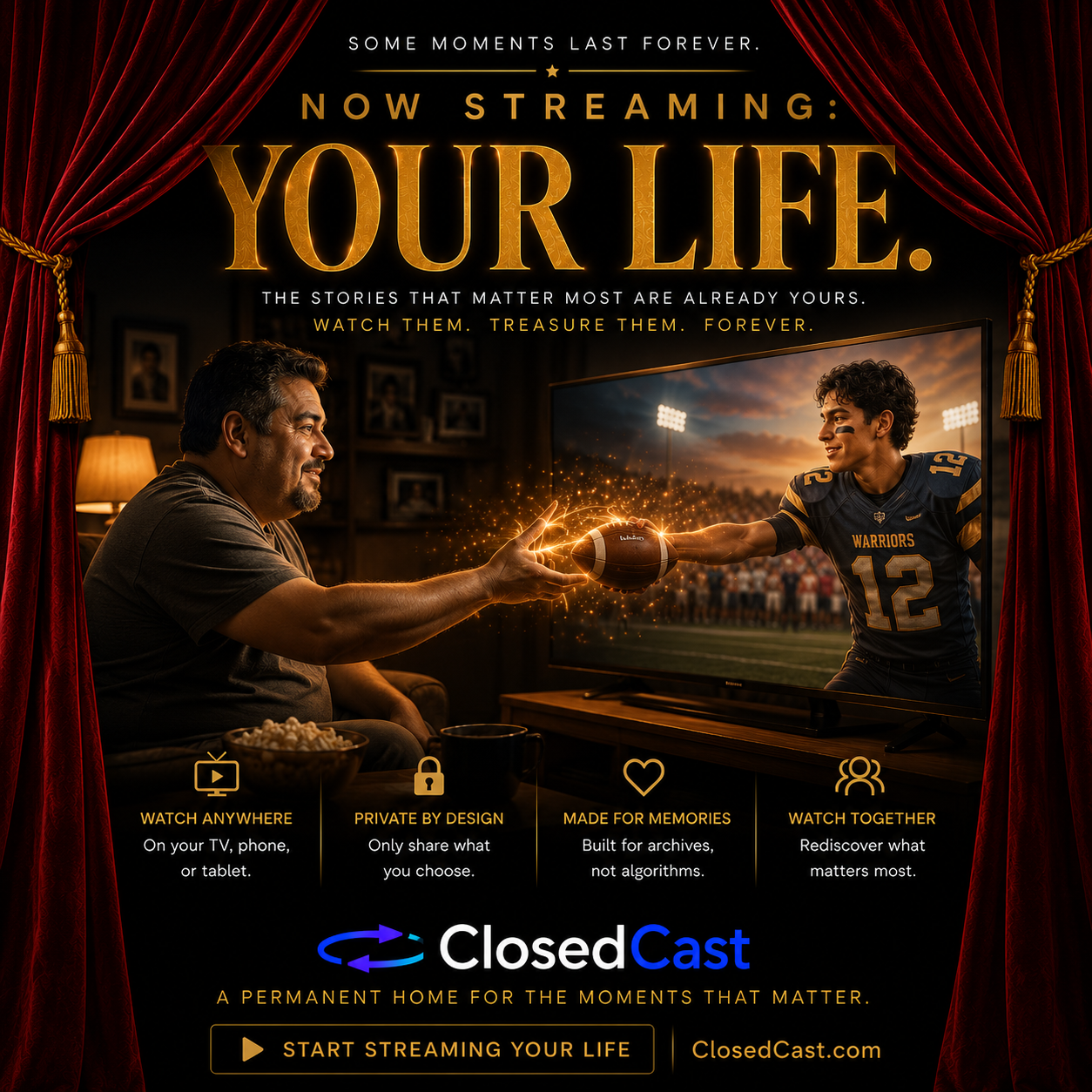
Teams & Coaches
Games, training, highlights, team history, and video shared with the people who need it.
For teams →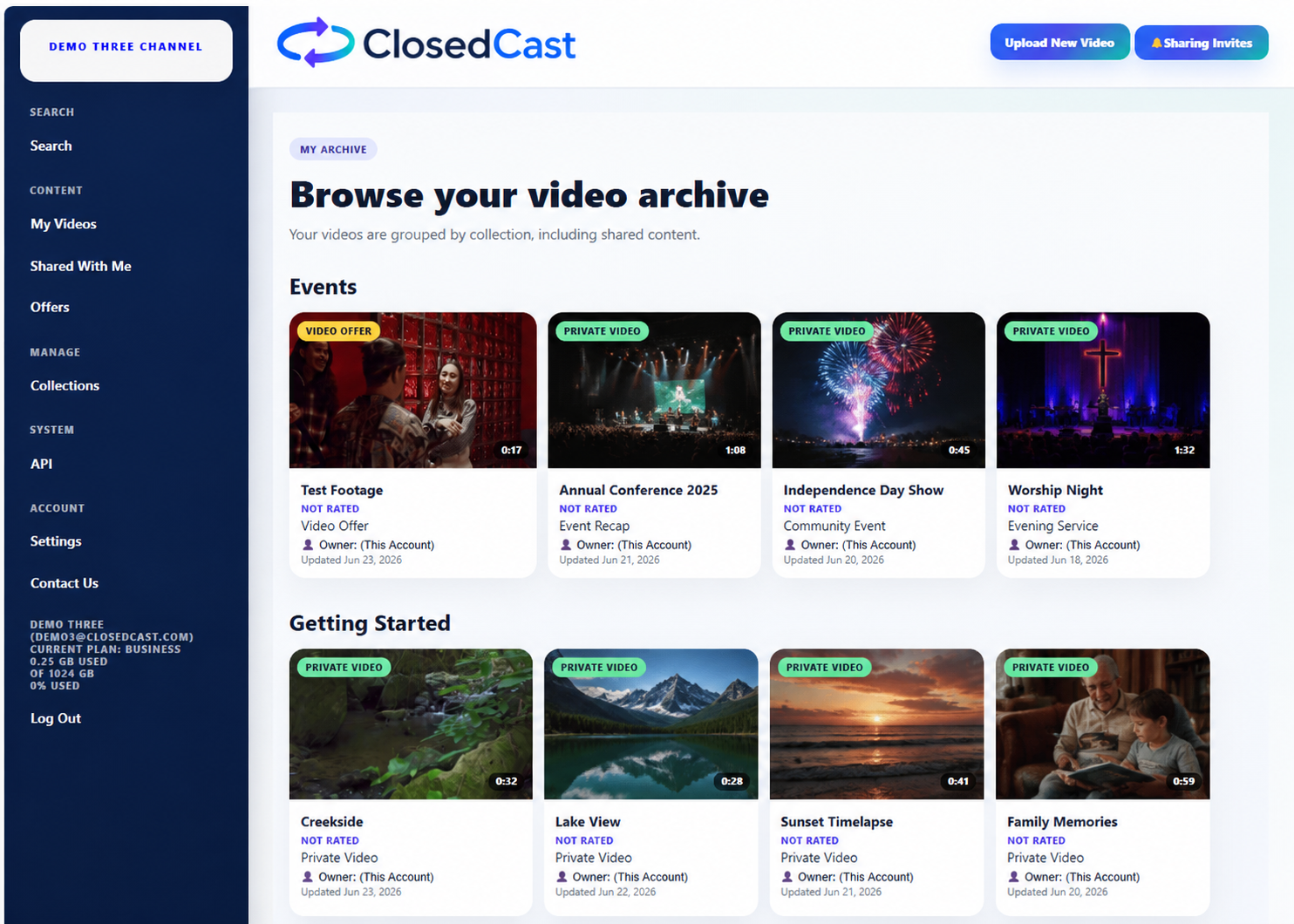
Organizations
Training, meetings, presentations, events, announcements, and institutional knowledge.
For organizations →Don't just read about private video. Watch it.
Take a ClosedCast Test Drive and experience a real sample private video library before creating an account. See what private streaming feels like when videos are organized, distraction-free, and ready to watch.
Do I need YouTube to watch private videos?
No. Private video can be delivered through dedicated private streaming platforms, cloud storage, self-hosted media servers, and other controlled-access systems. YouTube is one option, but it is fundamentally part of a public video ecosystem.
Choose based on the job.
Public video platforms are excellent when discovery, reach, recommendations, and a large public ecosystem are the goal. A private streaming archive is designed for a different job: controlled access, organized collections, repeat viewing, and long-term private use.
Take the 8-question assessment →Questions about watching private videos
Common questions about invitations, streaming, Roku, private libraries, and controlled video access.
How can I watch a private video someone shared with me?
You need access from the video owner. Depending on the service, you will typically accept an invitation, sign into an authorized account, or use a secure viewing link.
Can I watch private videos without downloading them?
Yes. Private streaming platforms can deliver video directly through a browser or supported television app without requiring the viewer to download the original file.
Can I watch private videos on my TV?
Yes. Platforms with television support can provide authorized viewing on TV. ClosedCast supports private video viewing through Roku.
Can I watch private videos on Roku?
Yes. ClosedCast lets authorized viewers browse and stream their accessible ClosedCast library on Roku after the device is securely linked.
Are private videos searchable on Google?
Authenticated private video content generally should not be publicly indexable. A public page describing a private video service can be indexed while the protected videos themselves remain access controlled.
Is an unlisted video the same as a private video?
Not necessarily. An unlisted URL can rely mainly on possession of the URL, while controlled private access can require authorization for each viewer.
What's the best way to privately share family videos?
For an ongoing collection, a private streaming archive can be more convenient than repeatedly sending files or individual links because viewers have one persistent, organized library.
How do I create my own private video library?
Upload videos to a private streaming service, organize them into meaningful Collections, choose who gets access, and use supported web or television experiences for playback.
Learn more about private video
Give private videos a place worth watching.
Bring important videos together. Organize them. Choose who belongs in your circle. Then make the collection available whenever they are ready to watch.



ClosedCast is an emerging leader in private video streaming , helping families, churches, teams, and organizations securely archive, share, and watch private videos online and on TV.