
Private video guidance built for archives, not algorithms.
Explore practical guides about private video, preservation, streaming, family archives, churches, teams, organizations, and watching meaningful collections on Roku and the web.
Filtered guides
18 results in Families
 4:40
4:40
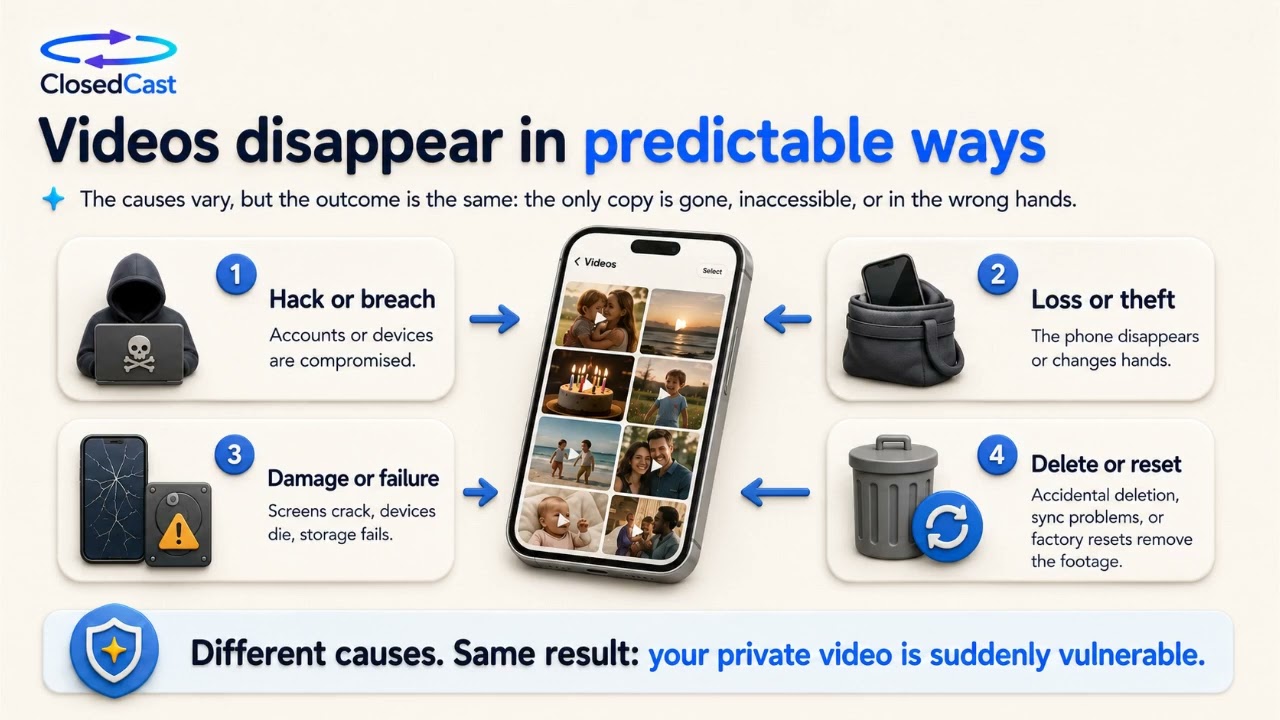
Protect and preserve your family videos
Phone camera rolls are convenient but temporary: phones get lost, stolen, damaged, or reset, and files can be accidentally deleted or fail to sync. To keep birthdays, milestones, and one-time moments safe, separate...
Watch and read the guide → 4:59
4:59
Create a private family video library for sharing and preservation
One-off file transfers (like large download links) are useful for moving files, but family videos are usually meant to be watched again and found later. A private family video library keeps home movies together...
Watch and read the guide → 4:59
4:59
Private family video library for sharing and preserving home movies
Sending a one-off download link (like WeTransfer) works for moving a file, but family videos are often worth more than a single transfer. A private family video library keeps home movies together, makes them easy to...
Watch and read the guide →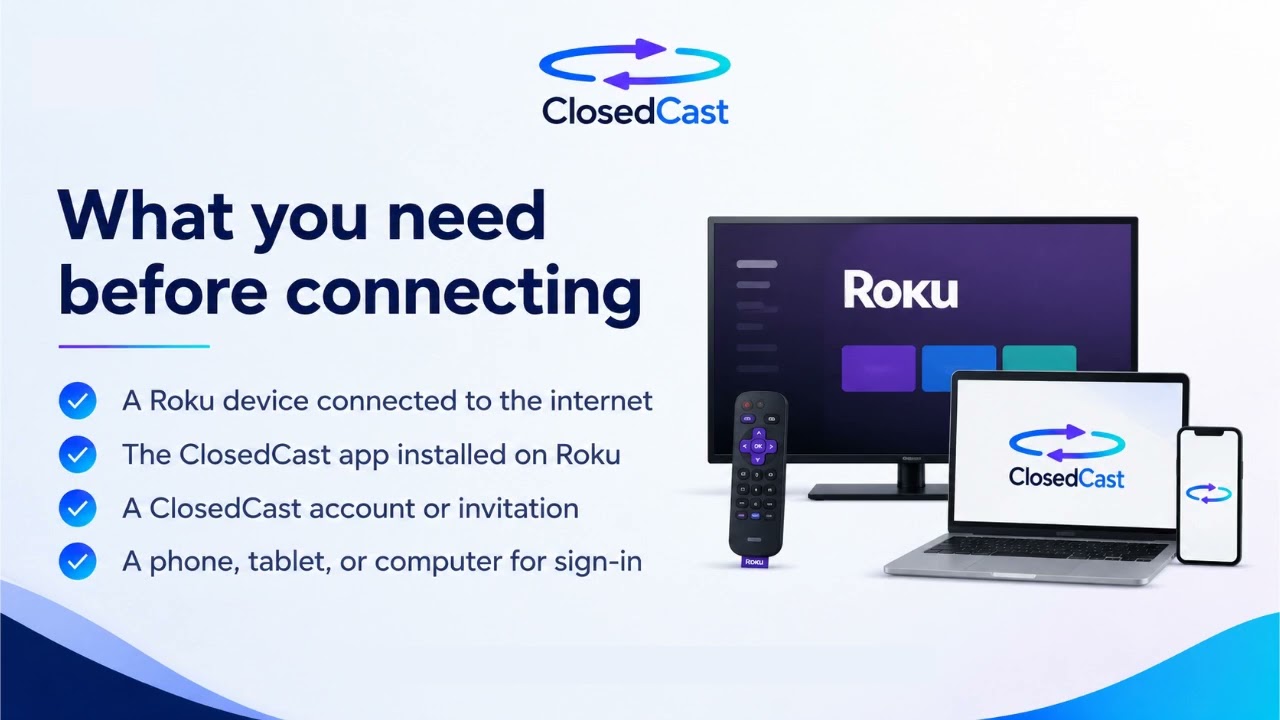 2:48
2:48
Vimeo alternative for private family videos
ClosedCast is designed for families who want a private, organized place to upload, share, preserve, and watch meaningful home videos. It provides Collections for grouping birthdays, vacations, weddings, and family...
Watch and read the guide → 2:48
2:48
Share family videos privately on Roku TV
Yes — you can make family videos easy to watch on Roku TV without forcing relatives to open Drive links or download large files. Upload your home movies to a private streaming archive, organize them into Collections...
Watch and read the guide →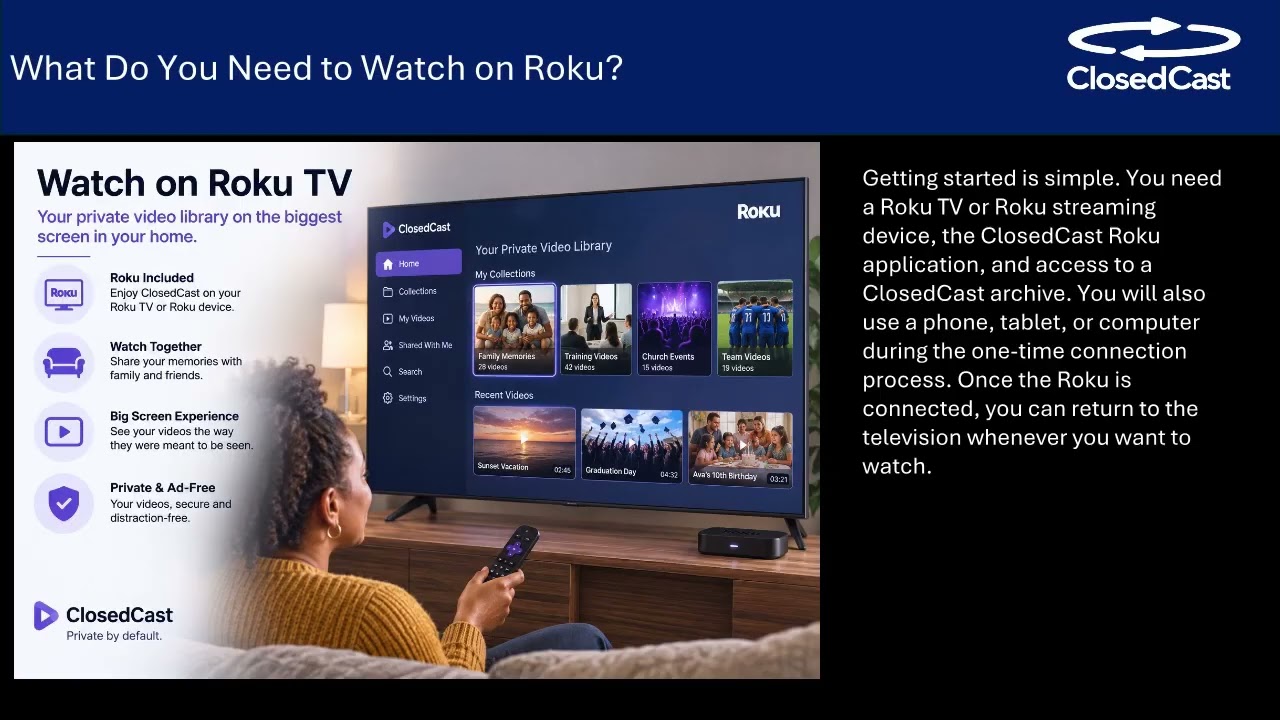 3:45
3:45
How to Sync Family Videos Across Multiple Roku Devices
You can keep family videos available across multiple Roku devices by using a single private streaming archive: upload your videos once, organize them into Collections, and grant selected relatives access. That lets...
Watch and read the guide → 2:17
2:17
Stream family milestones privately — no public social media
Yes—you can stream sensitive family milestones without posting them to public social networks by using a private streaming archive. Private services let you upload and organize home movies, control who can watch them...
Watch and read the guide → 4:51
4:51
Why families choose a private family video archive over general cloud storage
For family home movies, general cloud storage often only holds files — it doesn’t create a private, easy-to-browse viewing experience. A private family video archive is built for organized replayability, selective...
Watch and read the guide →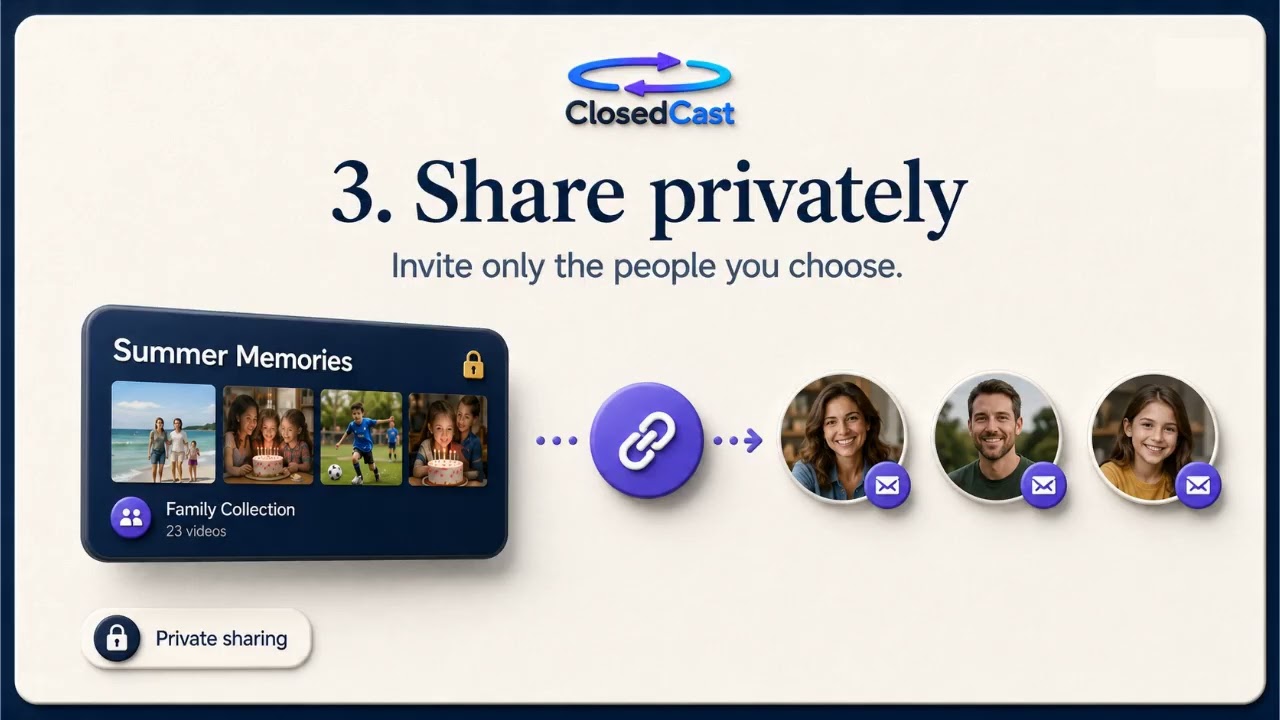 3:35
3:35
Why families move private video archives off YouTube
Many families are moving private home movies off public platforms because they need controlled sharing, clear organization, and reliable TV-friendly playback. A private family video archive focuses on private access...
Watch and read the guide → 3:35
3:35
Turn Old Home Movies into a Private, TV-Friendly Family Library
You can turn old home movies into a Netflix-style, private family library by uploading and organizing your videos, grouping them into Collections, and streaming them on the TV. A private streaming library makes it easy...
Watch and read the guide → 4:51
4:51
Watch family videos on TV: private, TV-friendly options
Google Drive can hold your home movies, but it’s not designed as a living room viewing solution. Families who want easy, private playback on the biggest screen usually choose a streaming-friendly private library that...
Watch and read the guide →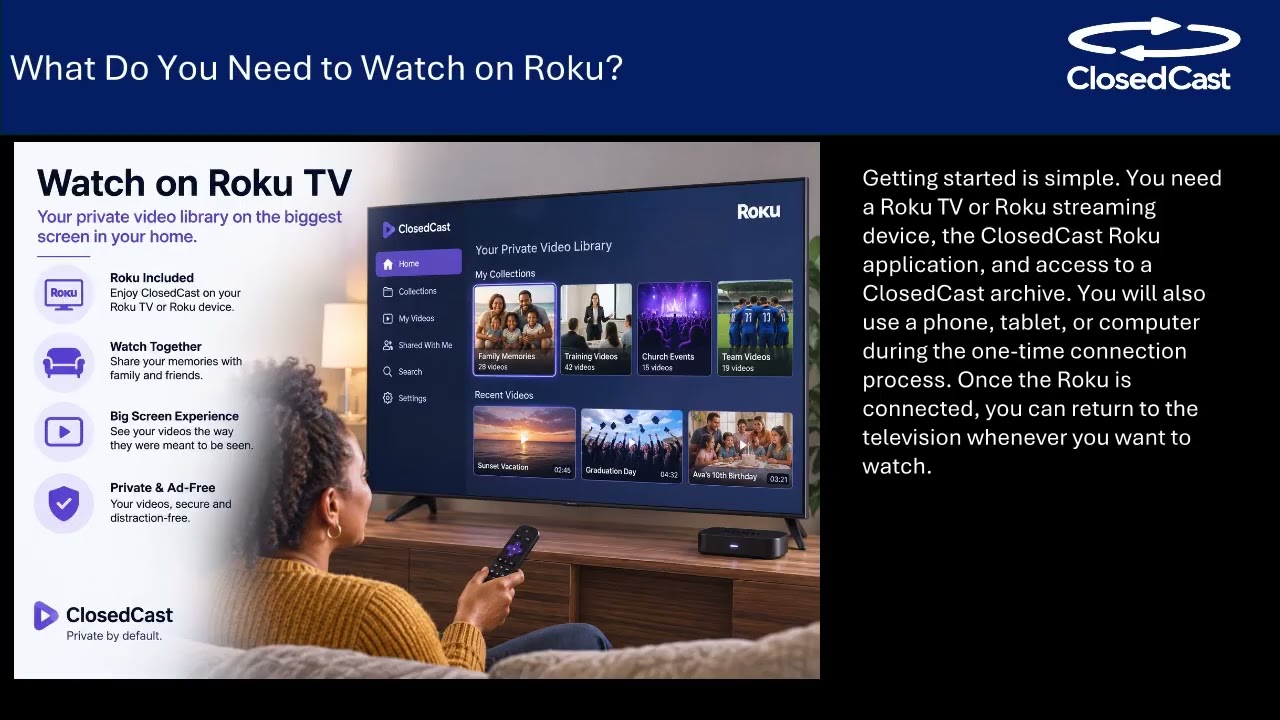 3:45
3:45
A better way to share family videos than a Dropbox link
Instead of sending a Dropbox link and asking relatives to download files, use a private family video library built for viewing and preservation. Upload your videos, organize them into private Collections, invite...
Watch and read the guide → 3:45
3:45
Watch family videos without a home media server
You don’t need to run Plex or manage a home media server to watch family videos on TV. Upload your recordings to a private streaming archive, organize them into Collections, share access with selected relatives, and...
Watch and read the guide →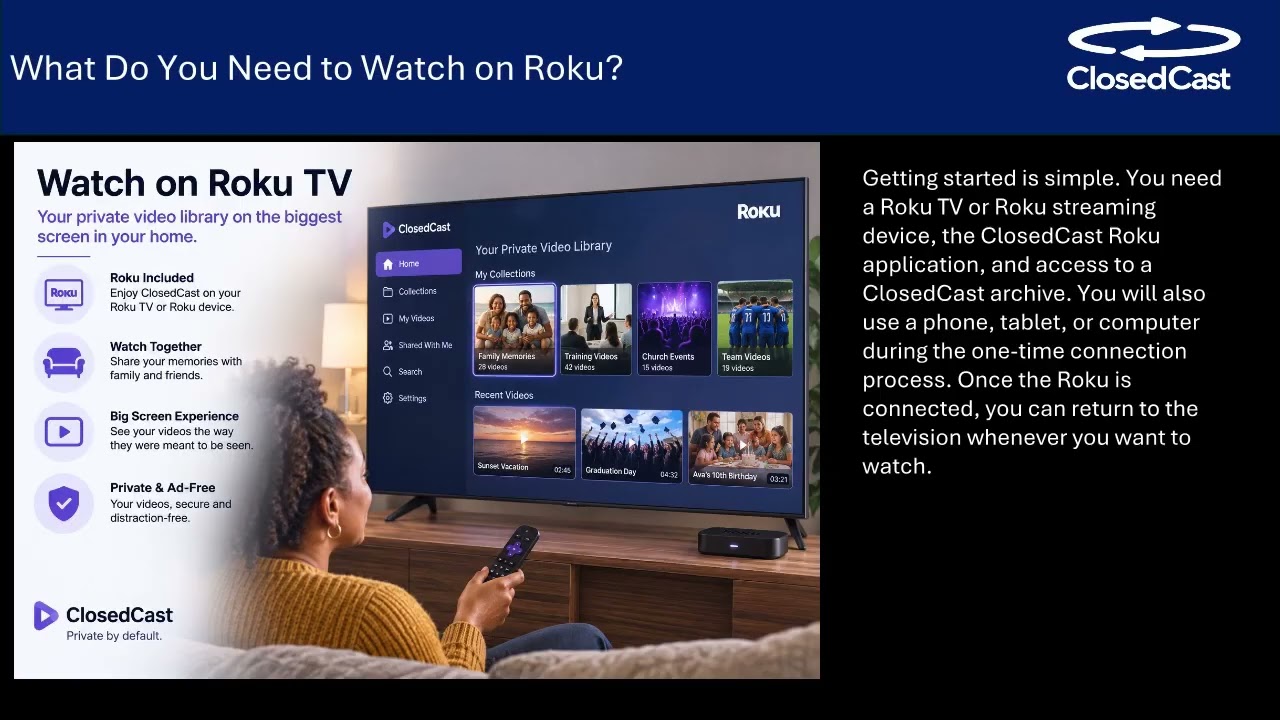 3:45
3:45
Private family video library: share, organize, and watch family videos
Sending a large family video by link or file transfer gets the file to someone, but it often ends up buried in a downloads folder or forgotten after one viewing. A private family video library gives your videos a...
Watch and read the guide →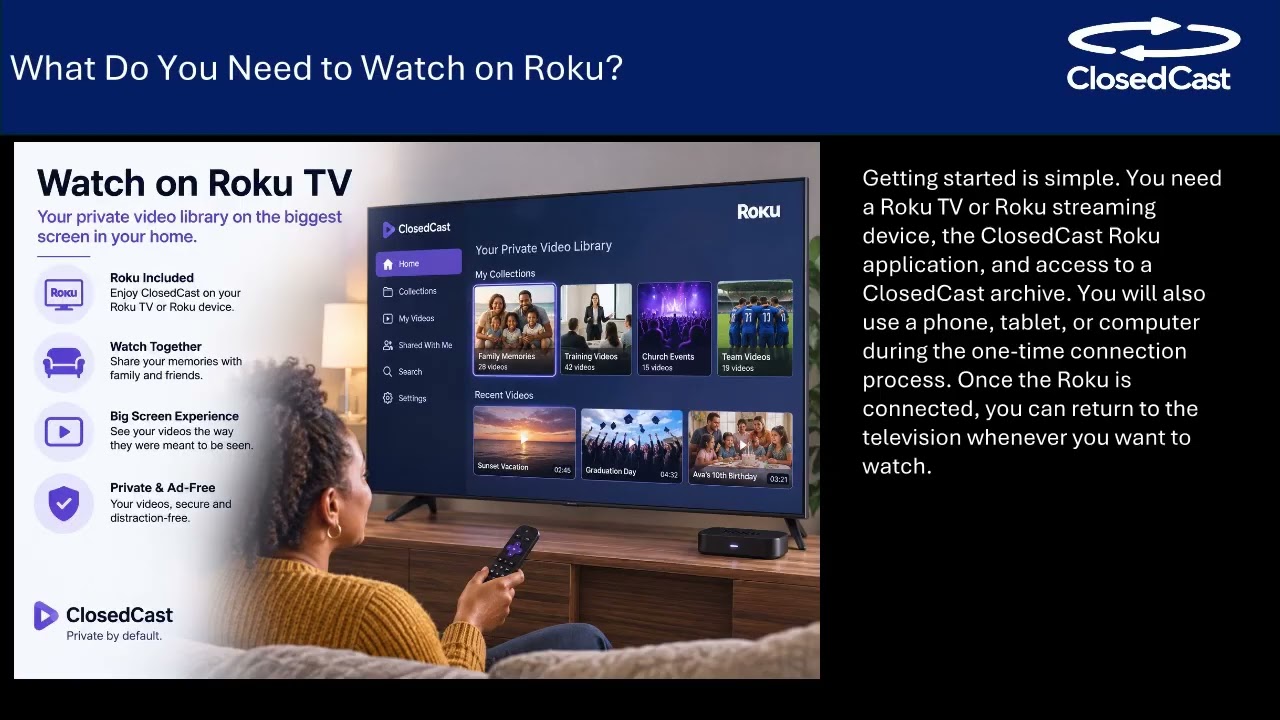 3:45
3:45
Create a Private Family Video Library for TV Viewing
If you want a private, easy way for relatives to watch large home videos on the big screen, use Dropbox to deliver the file and ClosedCast to host and stream it. ClosedCast lets you upload home movies, organize them...
Watch and read the guide → 2:17
2:17
Private family video library on Roku
Yes—you can create a private family video library that plays on Roku TV. Upload home movies and organize them into Collections so your family can find and replay memories on the big screen. Invite specific relatives to...
Watch and read the guide → 2:17
2:17
Watch family home videos on Roku TV
If your family has years of scattered home videos, a private Roku app can make them easy to find and watch in the living room. A private streaming archive lets you upload, organize into Collections, and invite...
Watch and read the guide → 4:51
4:51
Share family videos privately and watch them on Roku
You can keep family recordings private by creating an invite-only streaming library, organizing videos for easy replay, and watching them together on a Roku TV. Upload videos, group them into Collections, invite...
Watch and read the guide →


ClosedCast is an emerging leader in private video streaming , helping families, churches, teams, and organizations securely archive, share, and watch private videos online and on TV.