
Zapier Playbook Recipe
Send Video to ClosedCast from OneDrive
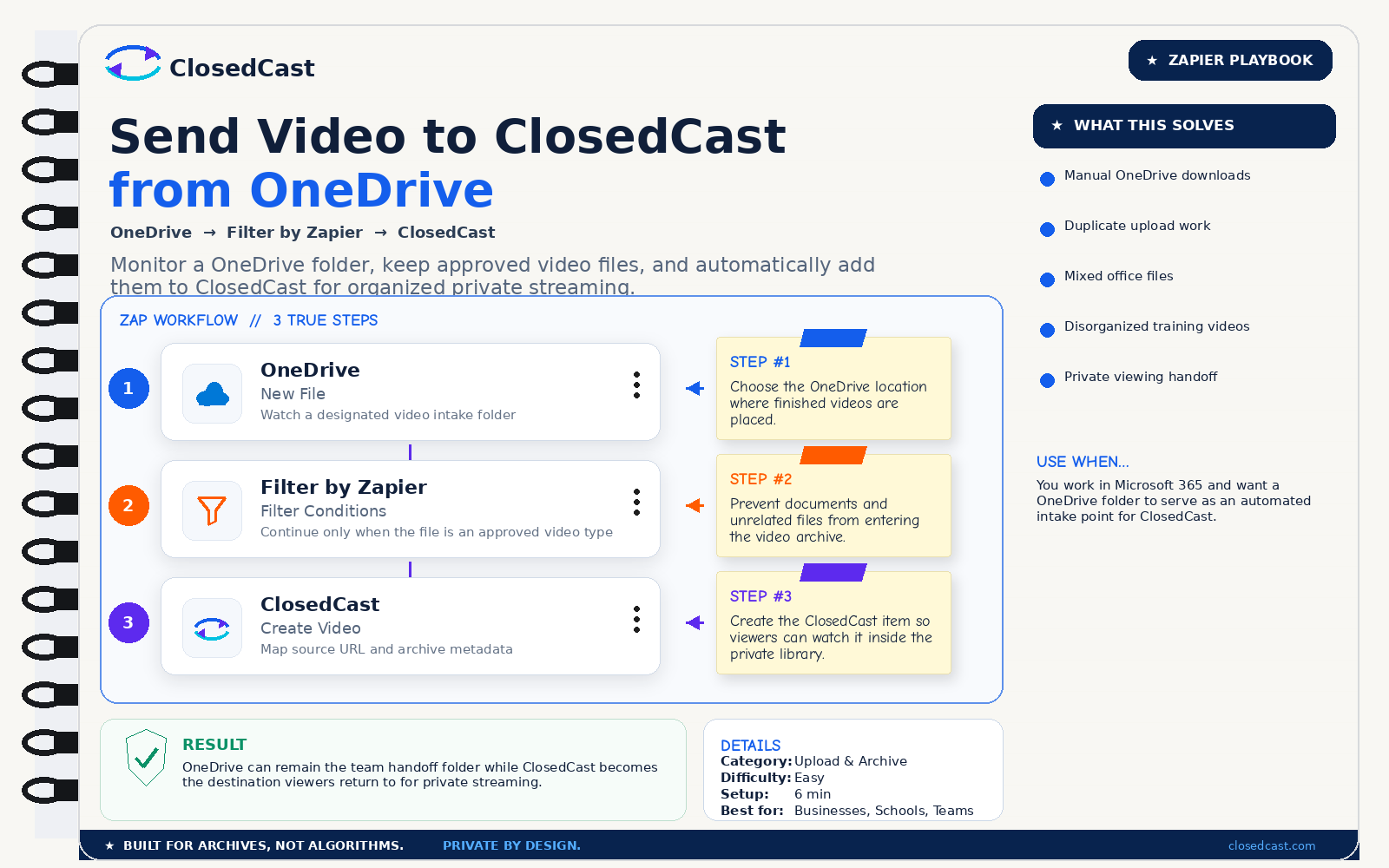
Monitor a OneDrive folder, keep approved video files, and automatically add them to ClosedCast for organized private streaming.
What this automation does
InputNew video file in a OneDrive folder
OutputOrganized private video created in ClosedCast
The 3-step Zap
1
OneDrive — New File
Watch a designated video intake folder
Step #1: Choose the OneDrive location where finished videos are placed.
2
Filter by Zapier — Filter Conditions
Continue only when the file is an approved video type
Step #2: Prevent documents and unrelated files from entering the video archive.
3
ClosedCast — Create Video
Map source URL and archive metadata
Step #3: Create the ClosedCast item so viewers can watch it inside the private library.
Result
OneDrive can remain the team handoff folder while ClosedCast becomes the destination viewers return to for private streaming.
© 2026 - ClosedCast ClosedCast Release Version 1.2 |Developers | Terms of Service | Contact Us | FAQs | Trust | Media and PressRoom |
2648 International Blvd Ste 301 Oakland, CA 94601



ClosedCast is an emerging leader in private video streaming , helping families, churches, teams, and organizations securely archive, share, and watch private videos online and on TV.
ClosedCast is an emerging leader in private video streaming , helping families, churches, teams, and organizations securely archive, share, and watch private videos online and on TV.