
Zapier Playbook Recipe
Send a ClosedCast Workflow from Gmail
Watch Gmail for a qualifying message, filter or parse the incoming video information, and create a new ClosedCast video from supported source data.
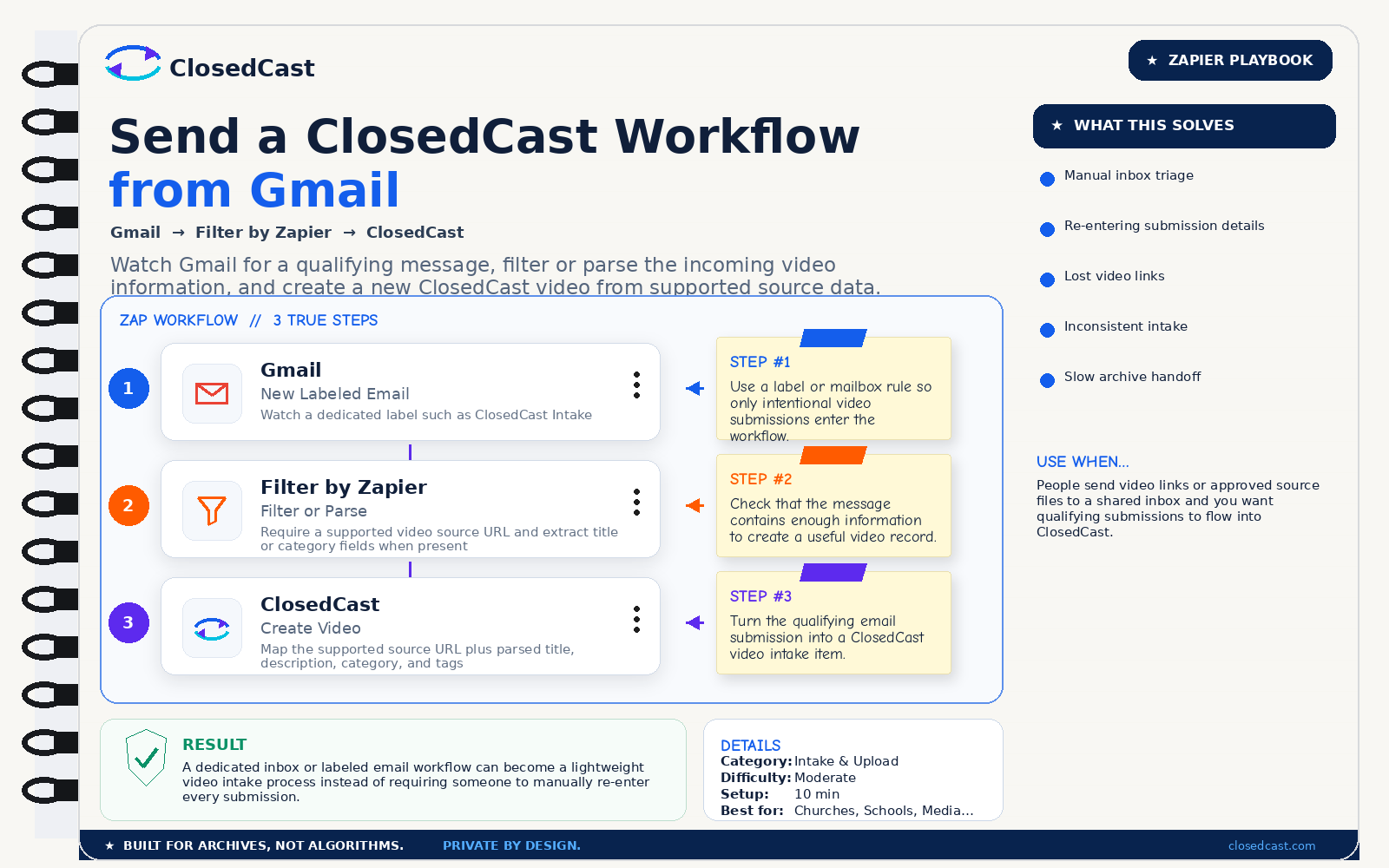
What this automation does
InputGmail message containing supported video source information
OutputNew video intake created in ClosedCast
The 3-step Zap
1
Gmail — New Labeled Email
Watch a dedicated label such as ClosedCast Intake
Step #1: Use a label or mailbox rule so only intentional video submissions enter the workflow.
2
Filter by Zapier — Filter or Parse
Require a supported video source URL and extract title or category fields when present
Step #2: Check that the message contains enough information to create a useful video record.
3
ClosedCast — Create Video
Map the supported source URL plus parsed title, description, category, and tags
Step #3: Turn the qualifying email submission into a ClosedCast video intake item.
Result
A dedicated inbox or labeled email workflow can become a lightweight video intake process instead of requiring someone to manually re-enter every submission.
© 2026 - ClosedCast ClosedCast Release Version 1.2 |Developers | Terms of Service | Contact Us | FAQs | Trust | Media and PressRoom |
2648 International Blvd Ste 301 Oakland, CA 94601



ClosedCast is an emerging leader in private video streaming , helping families, churches, teams, and organizations securely archive, share, and watch private videos online and on TV.
ClosedCast is an emerging leader in private video streaming , helping families, churches, teams, and organizations securely archive, share, and watch private videos online and on TV.