
Zapier Playbook Recipe
Archive Zoom Recordings in ClosedCast
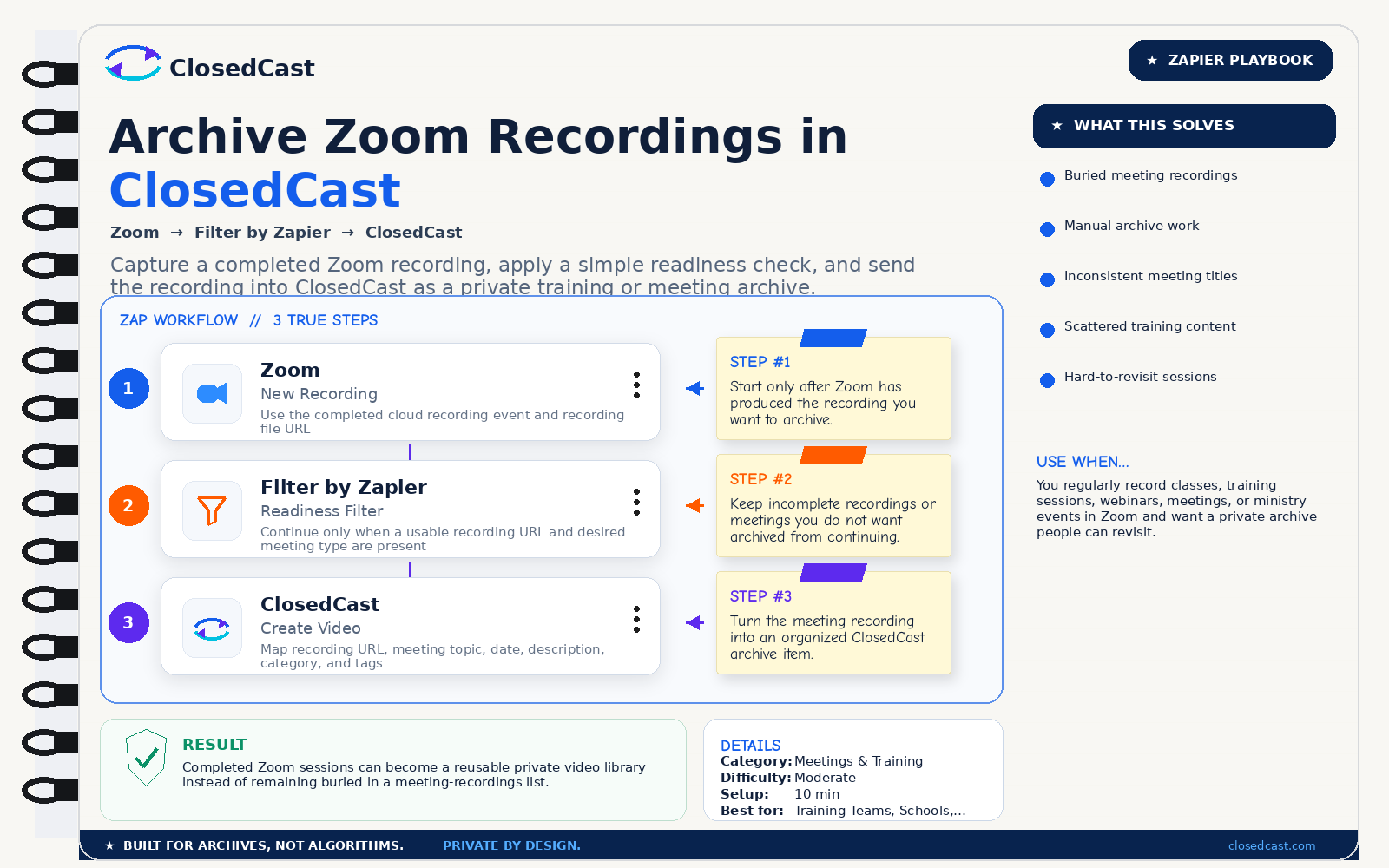
Capture a completed Zoom recording, apply a simple readiness check, and send the recording into ClosedCast as a private training or meeting archive.
What this automation does
InputCompleted Zoom cloud recording
OutputPrivate Zoom recording archived in ClosedCast
The 3-step Zap
1
Zoom — New Recording
Use the completed cloud recording event and recording file URL
Step #1: Start only after Zoom has produced the recording you want to archive.
2
Filter by Zapier — Readiness Filter
Continue only when a usable recording URL and desired meeting type are present
Step #2: Keep incomplete recordings or meetings you do not want archived from continuing.
3
ClosedCast — Create Video
Map recording URL, meeting topic, date, description, category, and tags
Step #3: Turn the meeting recording into an organized ClosedCast archive item.
Result
Completed Zoom sessions can become a reusable private video library instead of remaining buried in a meeting-recordings list.
© 2026 - ClosedCast ClosedCast Release Version 1.2 |Developers | Terms of Service | Contact Us | FAQs | Trust | Media and PressRoom |
2648 International Blvd Ste 301 Oakland, CA 94601



ClosedCast is an emerging leader in private video streaming , helping families, churches, teams, and organizations securely archive, share, and watch private videos online and on TV.
ClosedCast is an emerging leader in private video streaming , helping families, churches, teams, and organizations securely archive, share, and watch private videos online and on TV.