
Zapier Playbook Recipe
Announce a New ClosedCast Video with Mailchimp
Start from a ClosedCast video-ready event, keep only the videos you want to announce, and pass the approved video details into a Mailchimp campaign workflow.
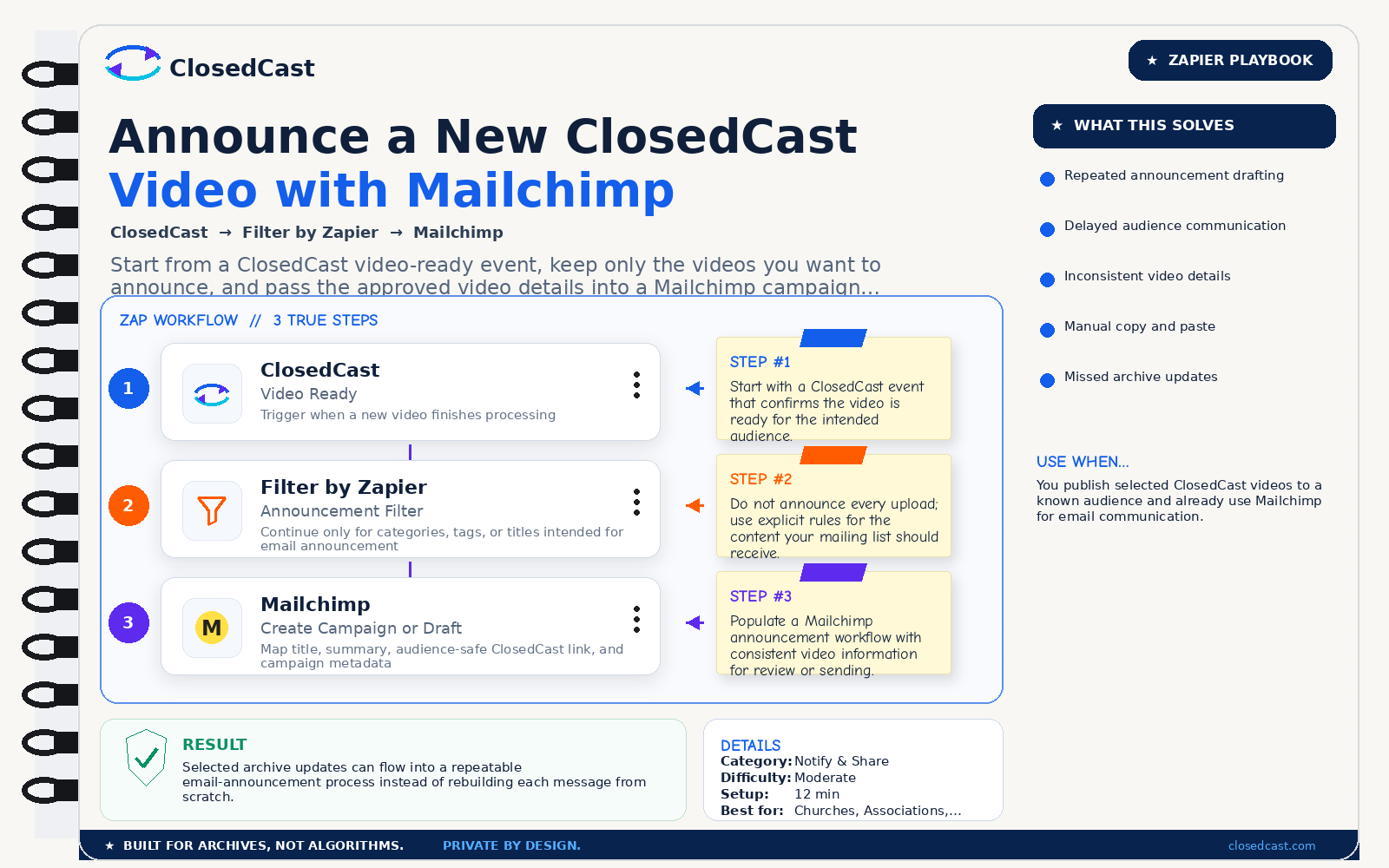
What this automation does
InputSelected ClosedCast Video Ready event
OutputMailchimp campaign or announcement draft populated with approved video details
The 3-step Zap
1
ClosedCast — Video Ready
Trigger when a new video finishes processing
Step #1: Start with a ClosedCast event that confirms the video is ready for the intended audience.
2
Filter by Zapier — Announcement Filter
Continue only for categories, tags, or titles intended for email announcement
Step #2: Do not announce every upload; use explicit rules for the content your mailing list should receive.
3
Mailchimp — Create Campaign or Draft
Map title, summary, audience-safe ClosedCast link, and campaign metadata
Step #3: Populate a Mailchimp announcement workflow with consistent video information for review or sending.
Result
Selected archive updates can flow into a repeatable email-announcement process instead of rebuilding each message from scratch.
© 2026 - ClosedCast ClosedCast Release Version 1.2 |Developers | Terms of Service | Contact Us | FAQs | Trust | Media and PressRoom |
2648 International Blvd Ste 301 Oakland, CA 94601



ClosedCast is an emerging leader in private video streaming , helping families, churches, teams, and organizations securely archive, share, and watch private videos online and on TV.
ClosedCast is an emerging leader in private video streaming , helping families, churches, teams, and organizations securely archive, share, and watch private videos online and on TV.