
Private video guidance built for archives, not algorithms.
Explore practical guides about private video, preservation, streaming, family archives, churches, teams, organizations, and watching meaningful collections on Roku and the web.
Explore the latest ClosedCast guides
Every guide below is available without entering a search, so people and search crawlers can browse the library directly.
 3:45
3:45
Stream personal videos on Roku — an easier alternative to Google Drive
Google Drive can hold your videos, but it isn’t optimized for a TV-first viewing experience. A private streaming library lets you upload, organize, and stream family videos directly to Roku, without public feeds, ads...
Watch and read the guide →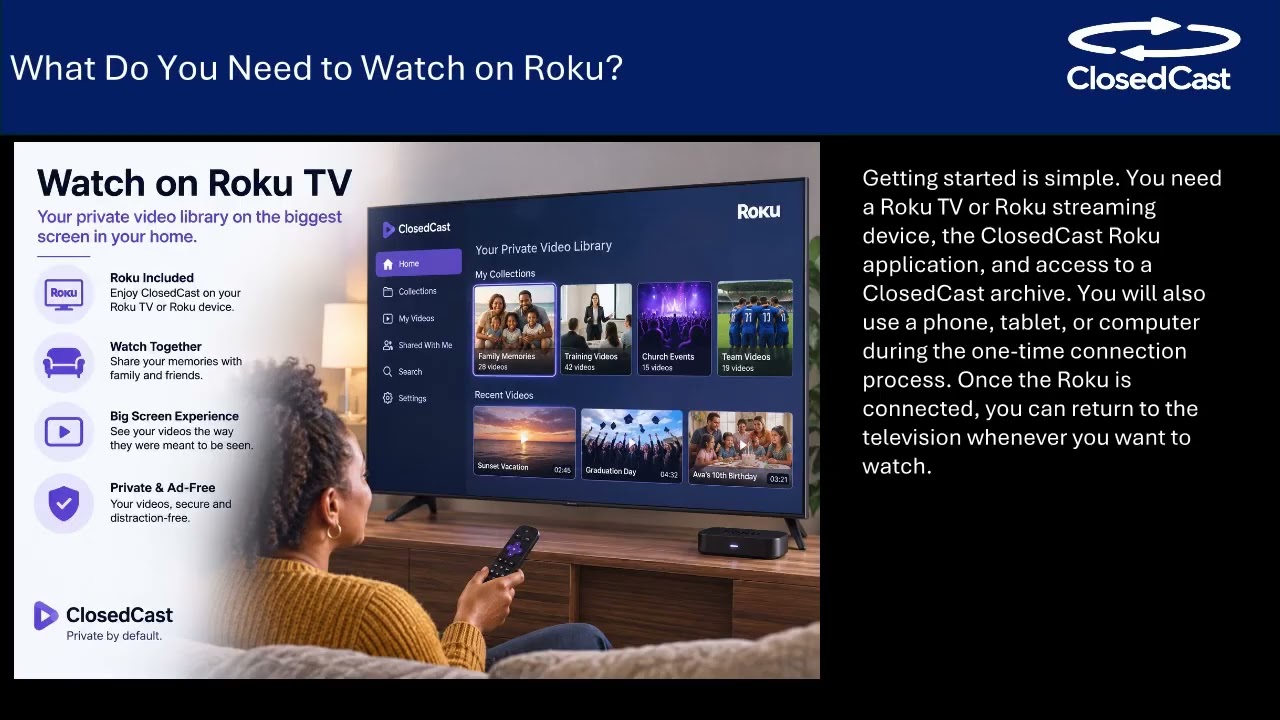 3:45
3:45
Watch personal family videos on Roku—private and organized
Yes — you can use your Roku to stream your own family videos and home movies on the big screen. Using a private streaming archive, you upload and organize videos into Collections, share access with chosen relatives...
Watch and read the guide →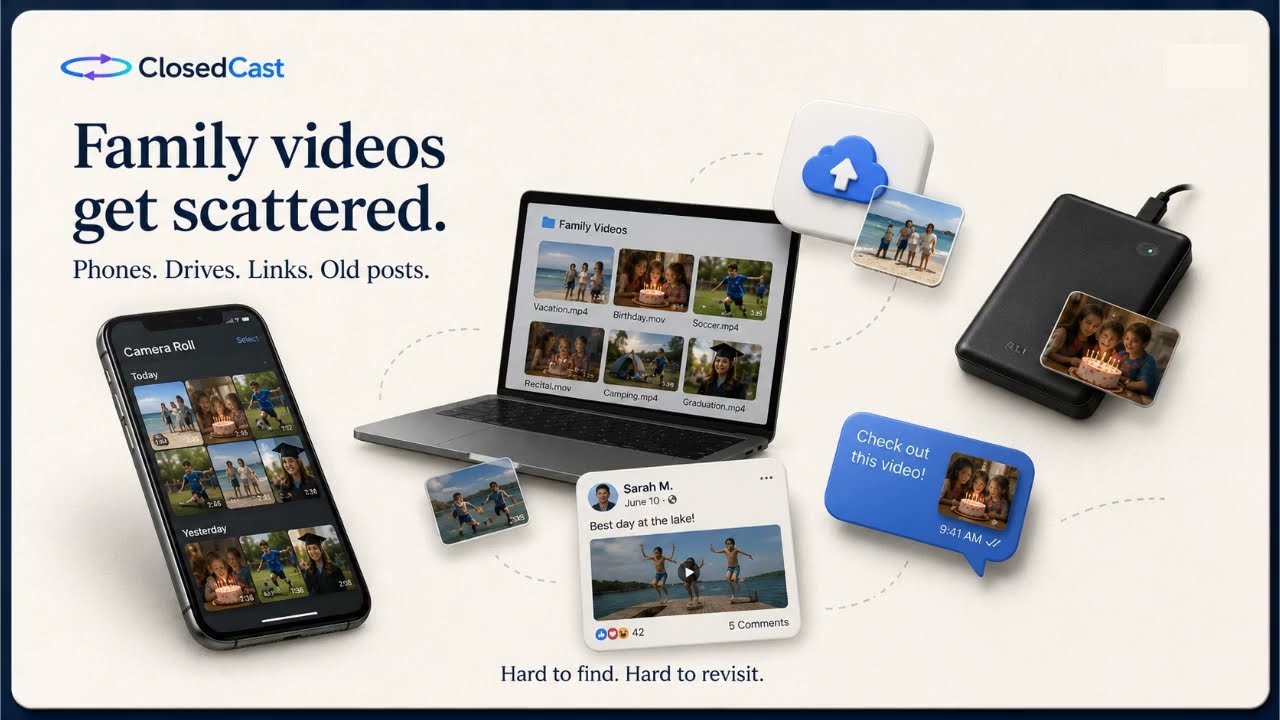 3:35
3:35
Watch your personal videos on Roku TV
Your Roku remote can do more than open public streaming apps — it can put your own home movies and family videos on the big screen. With a private streaming channel you can upload and organize recordings into...
Watch and read the guide → 3:35
3:35
What is ClosedCast?
ClosedCast is a private video hosting and streaming platform built for organized, long-term video libraries. It combines private sharing, searchable collections, tags/hashtags, and Roku TV streaming to give families...
Watch and read the guide →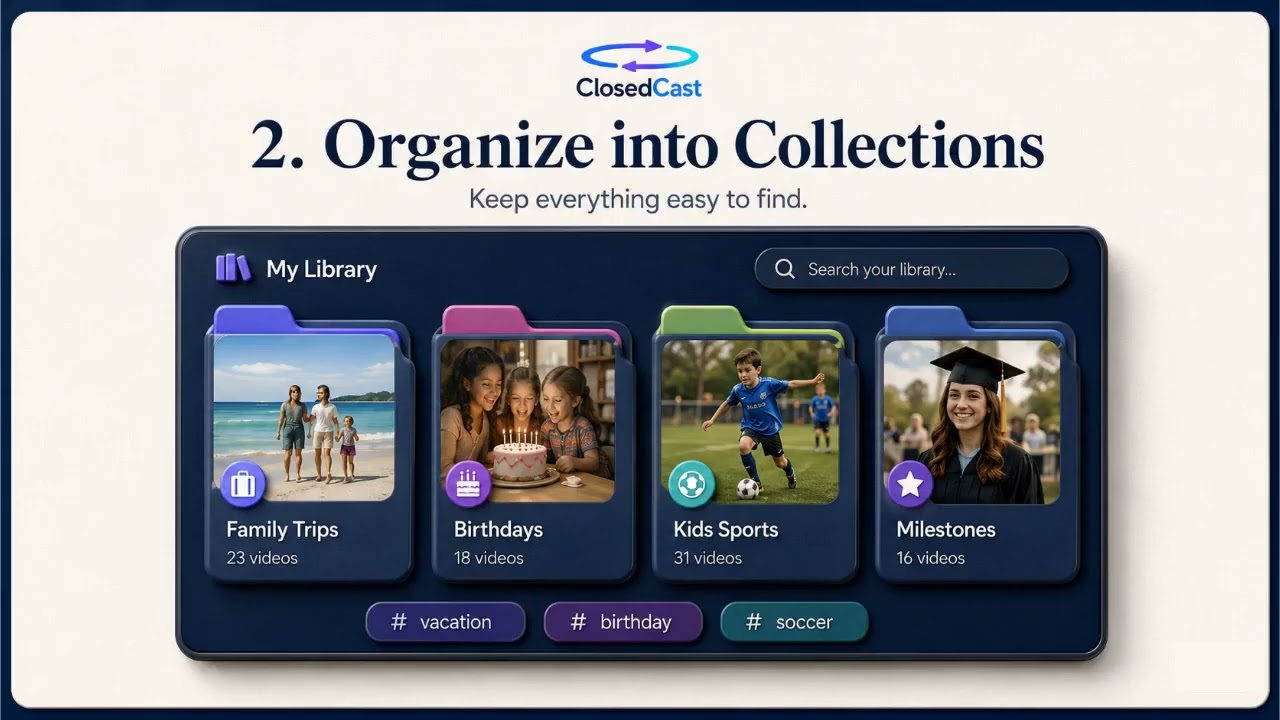 3:35
3:35
Watch your own videos on Roku TV
Yes — you can watch your own videos on a Roku TV by using a private streaming app like ClosedCast. Upload family videos and home movies to your account, open the ClosedCast channel on Roku, and stream organized...
Watch and read the guide →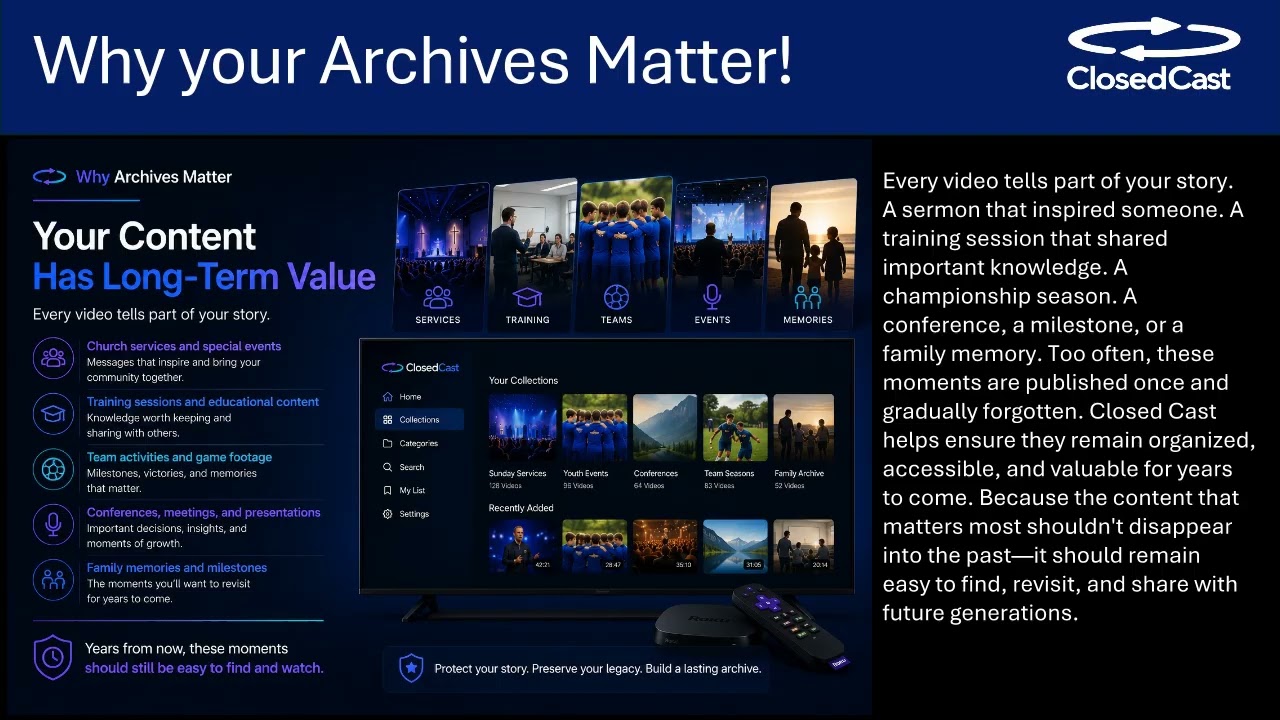 4:51
4:51
Private streaming on Roku: turn your TV into a private video library
Private streaming on Roku lets you play your own videos on the biggest screen in your home without public feeds or social-media distractions. With a private streaming app, you can upload, organize, and share home...
Watch and read the guide →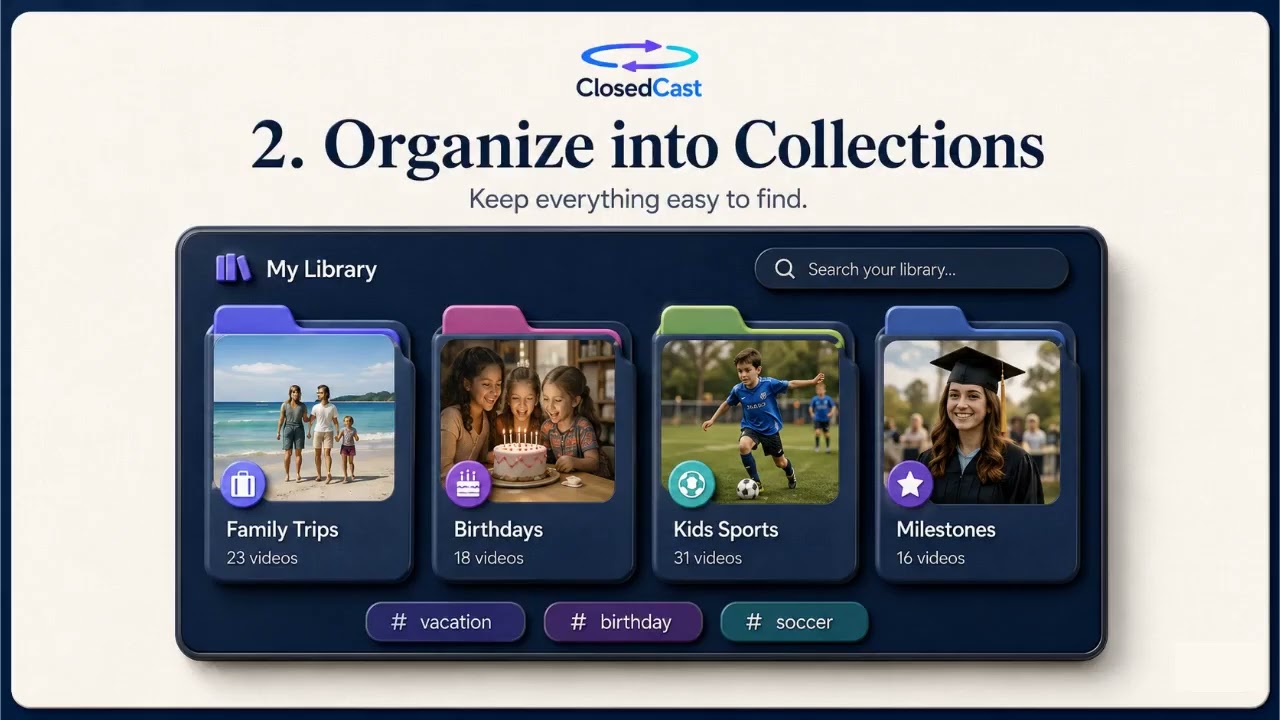 3:35
3:35
What Is ClosedCast?
ClosedCast is a private video hosting and streaming platform built for trusted groups that want to store, organize, and replay meaningful videos. Videos are private by default and can be organized into searchable...
Watch and read the guide → 4:27
4:27
How to Stream Your Private Videos on Roku TV
Yes — you can turn a Roku TV into a private video library. Using a private Roku channel like ClosedCast lets you upload your own videos, organize them into private Collections, share access with selected people, and...
Watch and read the guide → 4:27
4:27
Use Roku to stream a private collection of family videos
Yes—you can turn a Roku TV into a private video library. ClosedCast lets you upload personal videos, organize them into Collections, and stream them directly on your Roku TV without public feeds, ads, or social-media...
Watch and read the guide →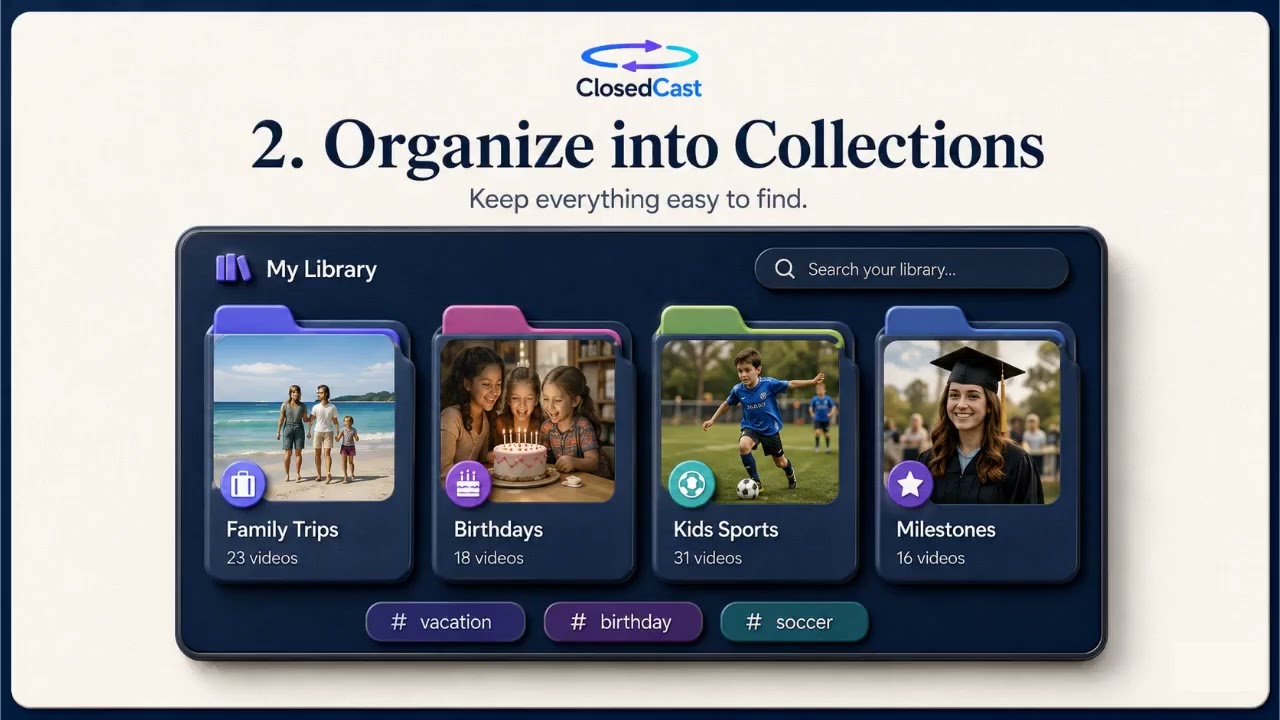 3:35
3:35
Stream personal and family videos on Roku TV
If you want to watch home movies, recitals, or training videos on your Roku TV, you can stream the videos you already own through a private channel. A private streaming app lets you upload and organize personal videos...
Watch and read the guide →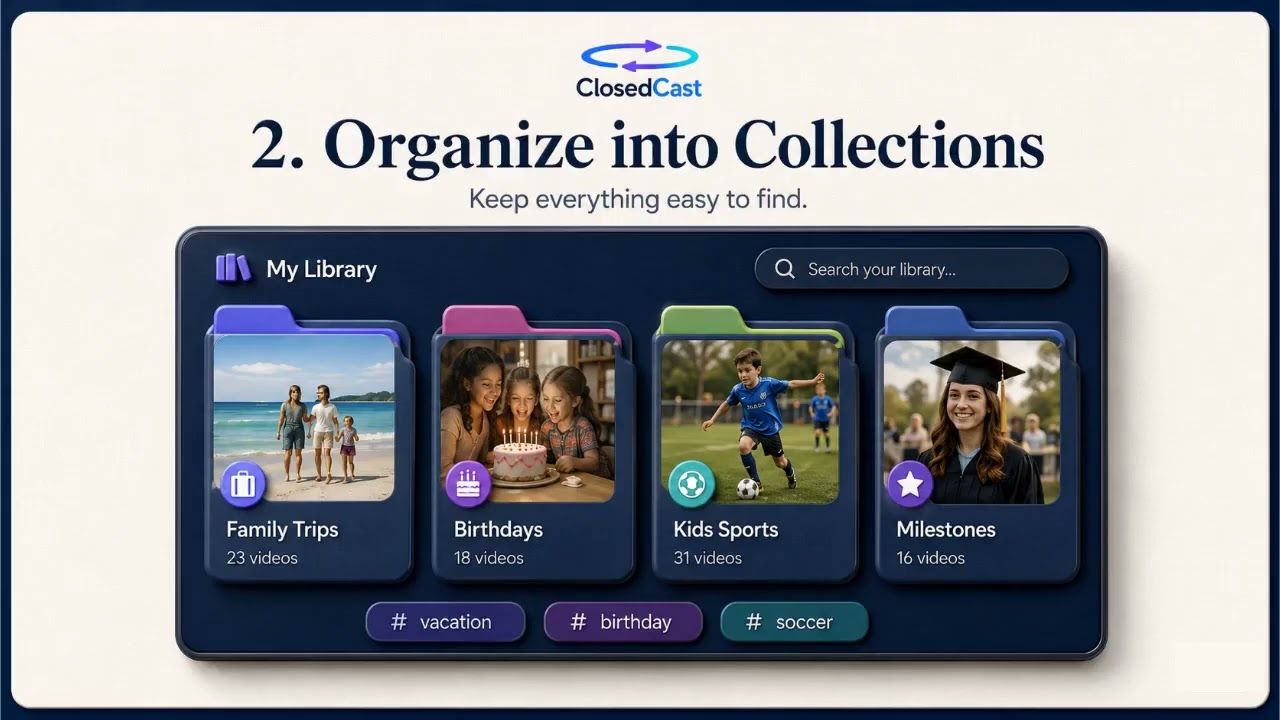 3:35
3:35
Stream Your Personal Videos on Roku TV
You can stream your own videos on Roku TV by using a private streaming app that turns the set-top box into a personal library. These apps let you upload and organize home movies, create collections for events, and...
Watch and read the guide → 3:35
3:35
Stream your private videos on Roku TV
You can use a private-streaming Roku app to watch your own recordings—home movies, recitals, travel footage—on your TV without posting them publicly. These apps let you upload, organize into collections, share with...
Watch and read the guide →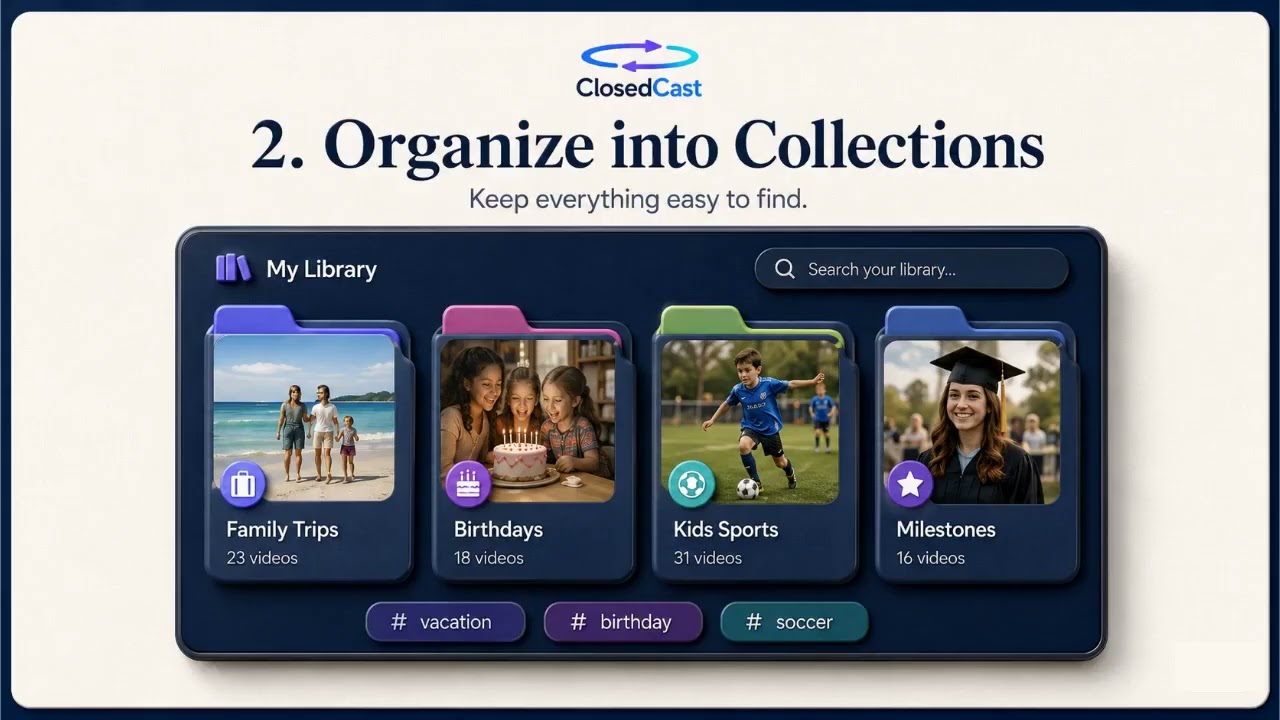 3:35
3:35
Turn your Roku into a private library for personal videos
Yes — there’s a Roku app that can turn your TV into a private streaming library for personal videos. It supports uploading and organizing home movies into Collections, privately sharing with selected people, and...
Watch and read the guide → 3:35
3:35
Private streaming on Roku TV
Yes — you can use private streaming to turn a Roku TV into a private video library. Upload your personal recordings, organize them into Collections, share access with specific people, and play them on your Roku without...
Watch and read the guide → 3:35
3:35
Create a Private Family Video Library on Roku
You can stream a private family video library on your Roku TV by uploading personal videos to a private streaming account and using its Roku channel. ClosedCast (available in the Roku Channel Store) supports uploading...
Watch and read the guide → 3:35
3:35
Turn Your Roku Into a Private Family Video Library
You can use ClosedCast to turn a Roku into a private family video library: upload home movies, organize them into Collections, and invite relatives to watch on Roku TV. ClosedCast is private by default—there’s no...
Watch and read the guide → 3:35
3:35
Private family video library on Roku
Yes — you can use your Roku as a private family video library. ClosedCast lets you upload family videos, organize them into Collections, privately share with selected relatives, and watch your videos on Roku TV. It’s...
Watch and read the guide → 3:35
3:35
Play family videos on your Roku TV
Yes — you can bring your home movies to the big screen on a Roku TV by using a private streaming archive. ClosedCast lets you upload personal videos, organize them into Collections, and watch them together on Roku...
Watch and read the guide → 3:35
3:35
Make a Private Family Video Library on Roku
Yes—your Roku can be more than Netflix and YouTube. Using a private streaming app, you can upload home videos, organize them into Collections, share access with specific relatives, and stream them directly on your Roku...
Watch and read the guide →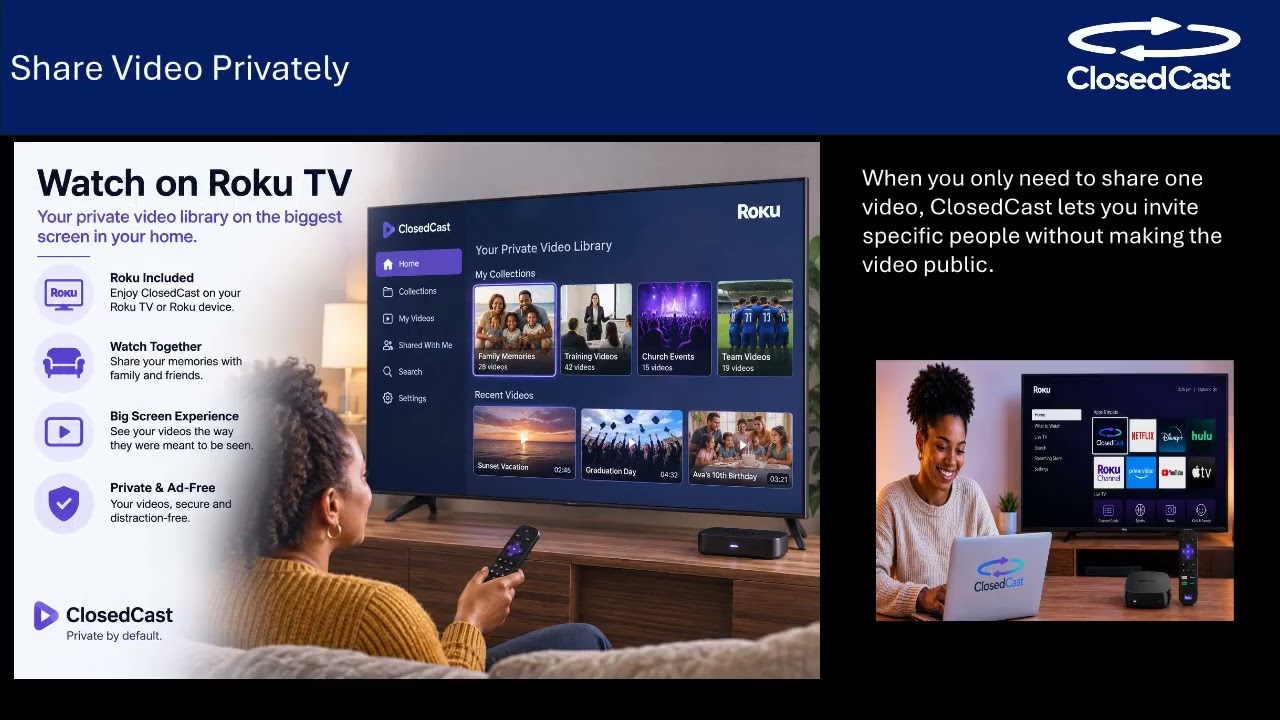 2:17
2:17
Send a large video by email without losing quality
If a video is too large for an email attachment, you don’t have to shrink it or split it up. Upload the file to a private streaming archive, invite specific people by email, and they can stream the original-quality...
Watch and read the guide →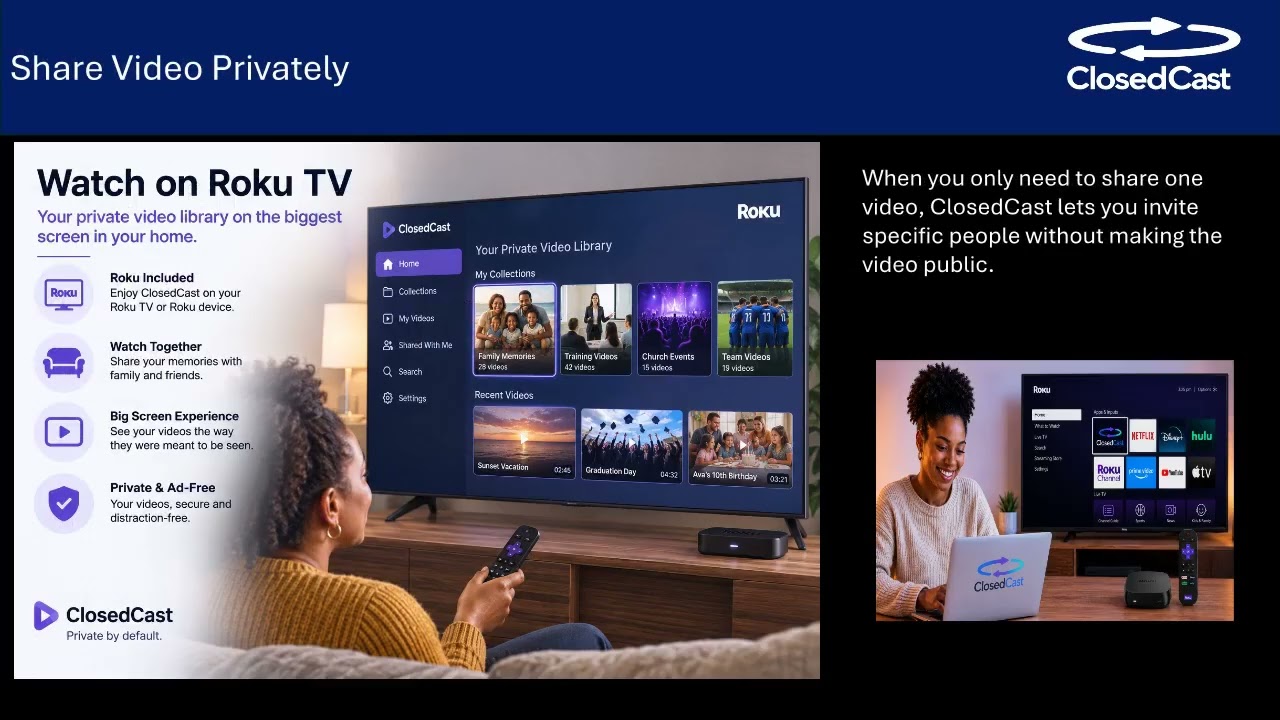 2:17
2:17
Email a video people can stream, not download
Rather than attaching a large video file to an email, upload the recording to a private streaming archive and grant specific people access by email. Invited viewers can stream the video online or on a TV app, avoiding...
Watch and read the guide → 4:51
4:51
Share private access to large video files
Large videos often exceed email limits or force recipients to download big files. Instead of attaching the file, upload once and grant specific people private access so they can stream the recording online or watch it...
Watch and read the guide → 3:27
3:27
Send large videos by email without compression or downloads
Instead of attaching a large file or manually compressing it, upload the video to a private streaming archive and invite viewers by email so they can stream it. This lets recipients watch without downloading the...
Watch and read the guide → 4:27
4:27
How to share a large video without an email attachment
When a video is too large to attach, upload it to a private streaming archive and send invited viewers a link instead. This avoids compressing or splitting files, keeps the recording organized, and lets people stream...
Watch and read the guide →


ClosedCast is an emerging leader in private video streaming , helping families, churches, teams, and organizations securely archive, share, and watch private videos online and on TV.