
Talk to Your Video Library.
Connect ClosedCast to ChatGPT, Claude and compatible AI assistants. Find recordings, explore your archive, use transcripts, get video details and more—just by asking.
- ✓ Find videos
- ✓ Use transcripts
- ✓ Get video details
- ✓ Explore collections

Never heard of MCP? That's okay.
Think of MCP as a universal connection between your AI assistant and the services you use.
MCP (Model Context Protocol) gives compatible AI apps a standard way to work with ClosedCast, so you can find information, find videos and do more—without leaving your conversation.
What you can do with ClosedCast and AI
Find
Search your archive using ordinary language.
Explore
See your videos and collections.
Understand
Use transcripts to summarize and learn what's in a recording.
Watch
Get playback information and open a video.
Add
Bring a video into ClosedCast from a file URL.

Your archive, with the help of AI.
AI can create infinite video. Your recordings are irreplaceable.
ClosedCast lets AI work with your personal video archive—so you can find, understand and use your recordings without turning your archive into another AI product.
- Your videos stay in ClosedCast
- Use AI where you already work
- A standard connection through MCP
- Built for archives, not algorithms
Works where you already use AI.
Bring ClosedCast into the AI applications you already know and use.
ChatGPT
Connect your ClosedCast library and ask about it directly from ChatGPT.
Claude
Use ClosedCast as an external source for your Claude conversations.
Other MCP-compatible apps
Works with other AI applications that support MCP.
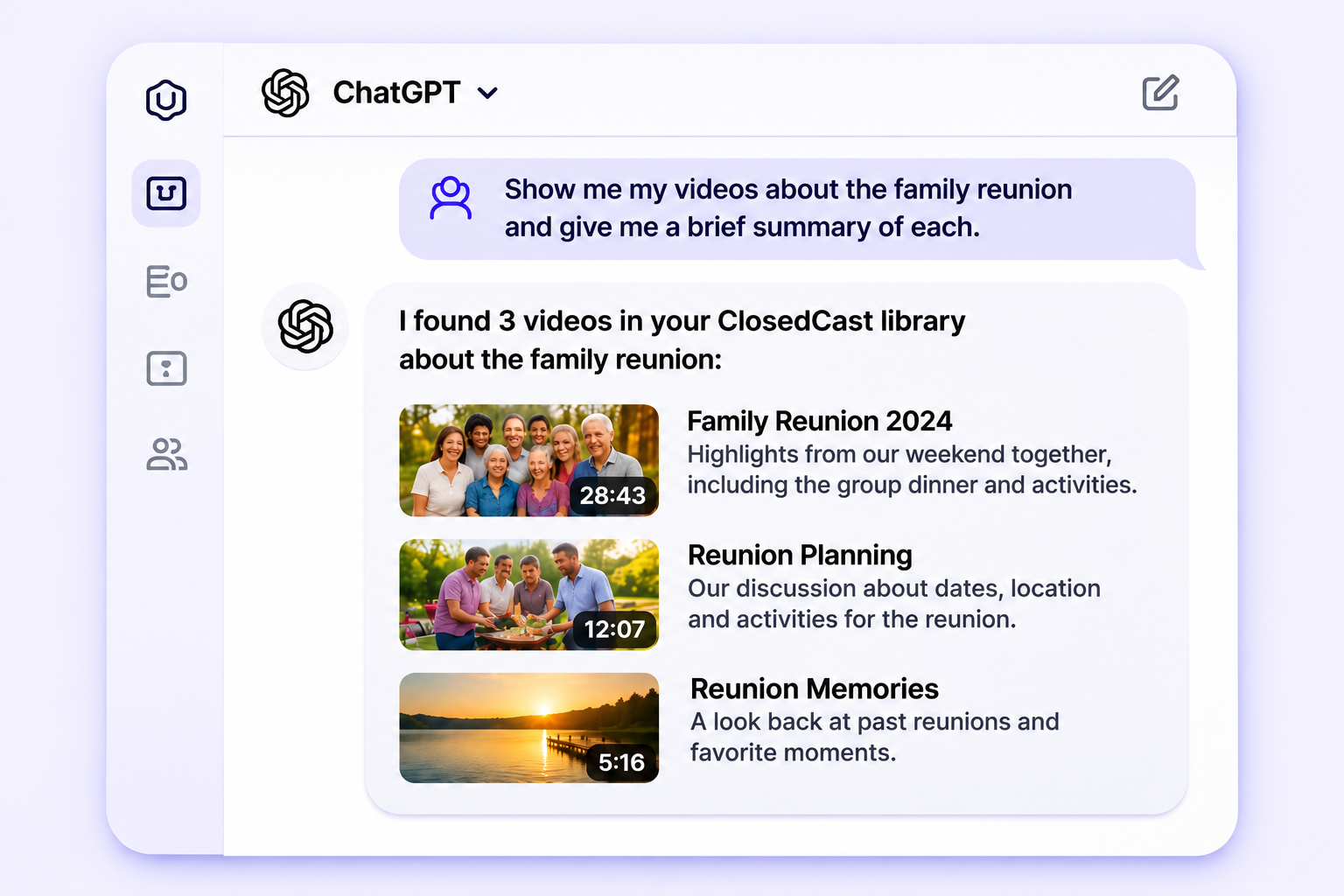
Try asking ClosedCast
Here are some ideas to get you started.
What is MCP?
MCP stands for Model Context Protocol.
It's an open standard that lets compatible AI applications connect to external tools and information. ClosedCast provides one standardized connection that AI apps can use to work with your video library.
Get the ClosedCast MCP address →
Connect ClosedCast to your AI assistant.
Use this MCP server address in ChatGPT, Claude, or another compatible AI application.
https://mcp.closedcast.com/mcp
Add the address to a compatible MCP client, authorize your ClosedCast account, and begin working with your video library.
Developer Documentation
ClosedCast is an emerging leader in private video streaming , helping families, churches, teams, and organizations securely archive, share, and watch private videos online and on TV.