
Private video guidance built for archives, not algorithms.
Explore practical guides about private video, preservation, streaming, family archives, churches, teams, organizations, and watching meaningful collections on Roku and the web.
Explore the latest ClosedCast guides
Every guide below is available without entering a search, so people and search crawlers can browse the library directly.
 4:40
4:40
Cloud backup protects files — but videos can still 'disappear' unless you make them usable
Cloud backup protects the file, but it doesn’t guarantee the video stays part of your life. Files buried in drives or photo libraries are often forgotten and rarely watched. The better approach is two-step: protect the...
Watch and read the guide → 4:40
4:40
Protect Private Videos: Don’t Keep the Only Copy on Your Phone
The biggest mistake with private videos is treating the copy on your phone as the archive. Phones can be lost, damaged, reset, or have files accidentally deleted—so a single device is not a reliable place to keep...
Watch and read the guide →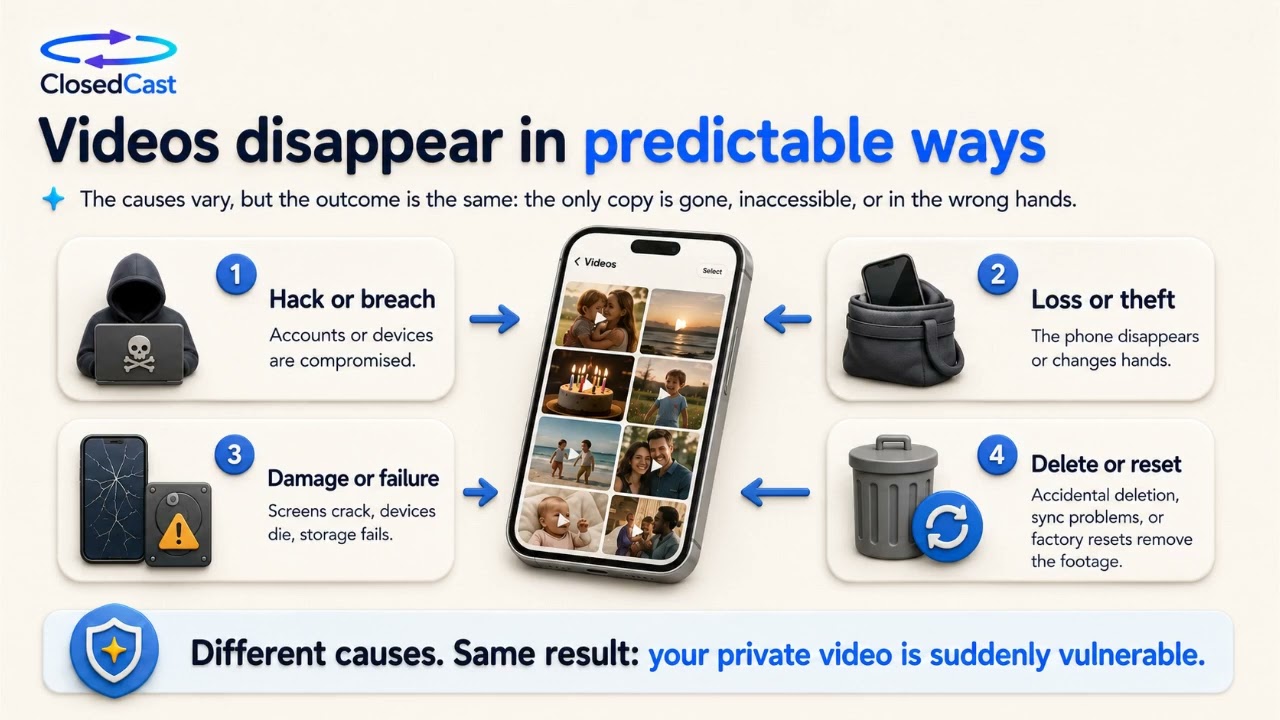 4:40
4:40
Protect and preserve your family videos
Phone camera rolls are convenient but temporary: phones get lost, stolen, damaged, or reset, and files can be accidentally deleted or fail to sync. To keep birthdays, milestones, and one-time moments safe, separate...
Watch and read the guide → 4:40
4:40
The safer way to store and watch your private videos
Phones are great for capturing moments but not for long-term storage. The safer approach separates file protection from viewing: back up master files to secure cloud storage, then use a private streaming archive to...
Watch and read the guide →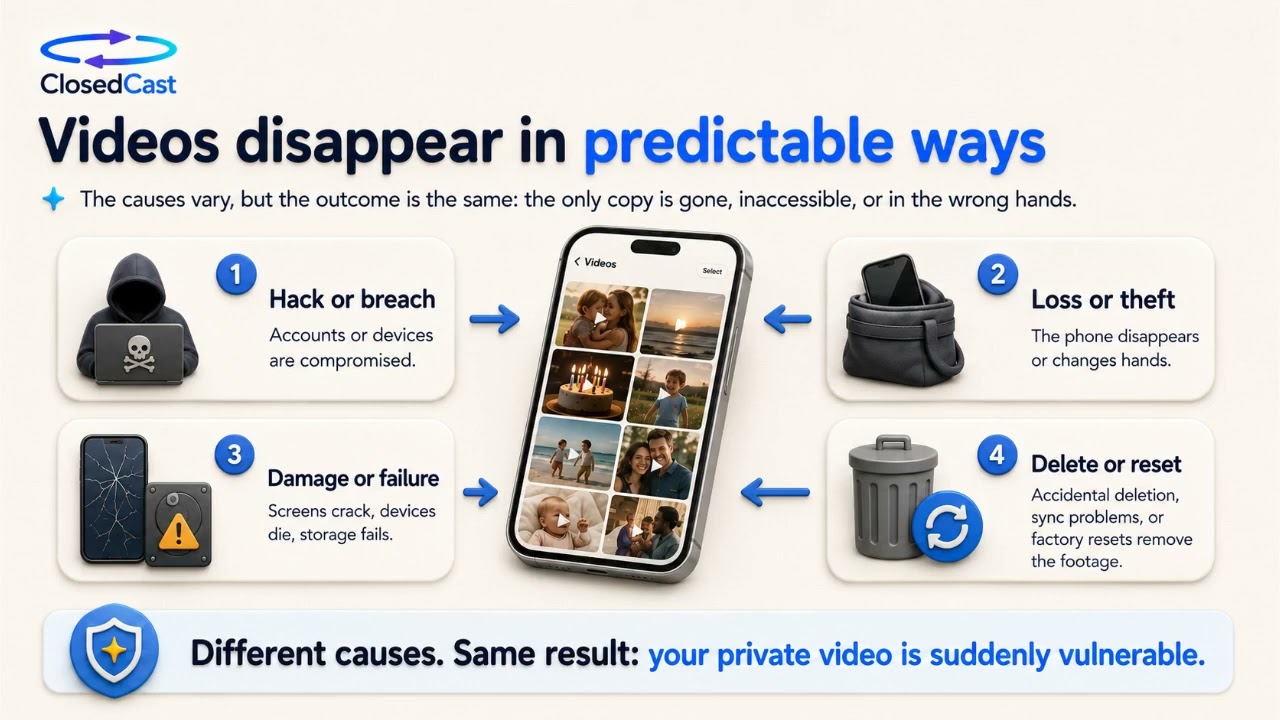 4:40
4:40
Protect and preserve the videos that matter
Phones are where moments get captured, but they’re not reliable long-term archives—devices are lost, damaged, reset, or compromised. Move the original video files off the phone into cloud storage so they’re...
Watch and read the guide → 4:40
4:40
Don't let the only copy of an important video live on your phone
Phones are great for capturing moments, but they’re not reliable long-term archives. Devices get lost, damaged, replaced, or reset, and files can disappear before you realize their value. Move original video files off...
Watch and read the guide → 4:40
4:40
How to prevent losing videos on your phone
Phone recordings often feel permanent but can be lost through damage, accidental deletion, or account compromise. The practical answer is to stop making the phone the only copy: keep at least one reliable backup off...
Watch and read the guide →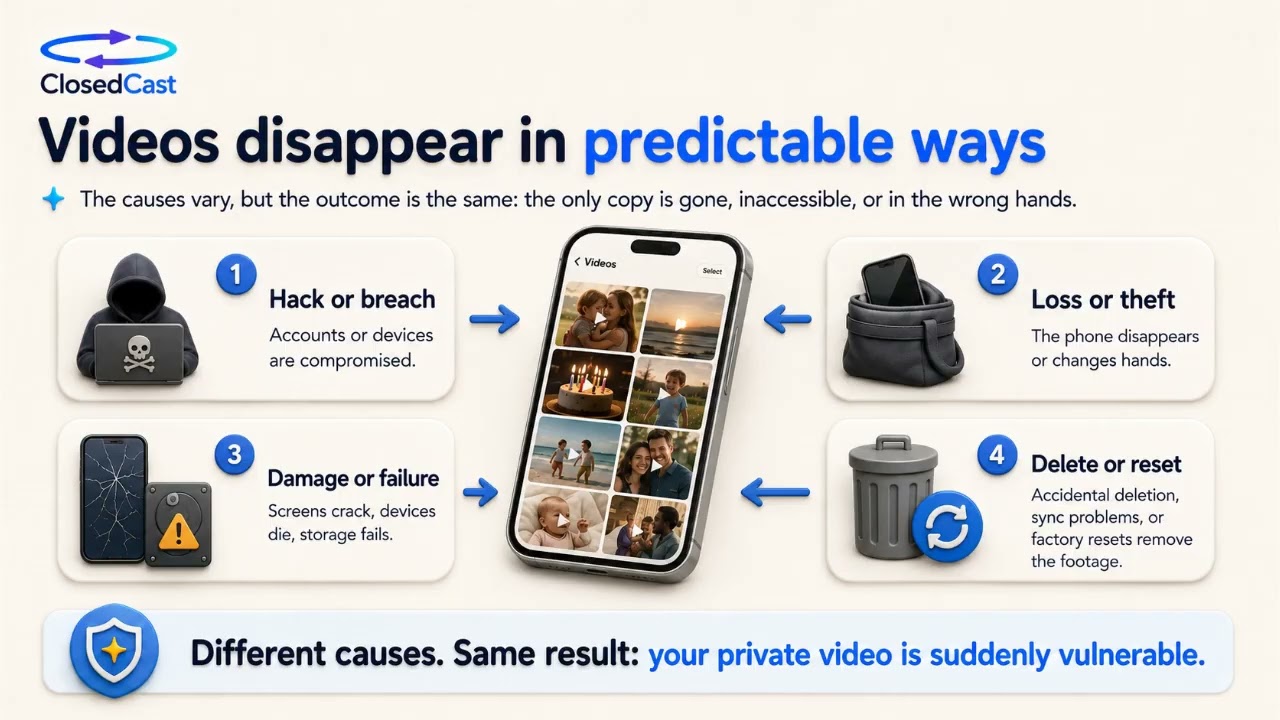 4:40
4:40
Protect and preserve the videos on your phone
Phones are excellent for capturing life’s moments, but a single device shouldn’t be the permanent archive for videos you can’t replace. Back up original files to cloud storage to separate them from your phone’s...
Watch and read the guide →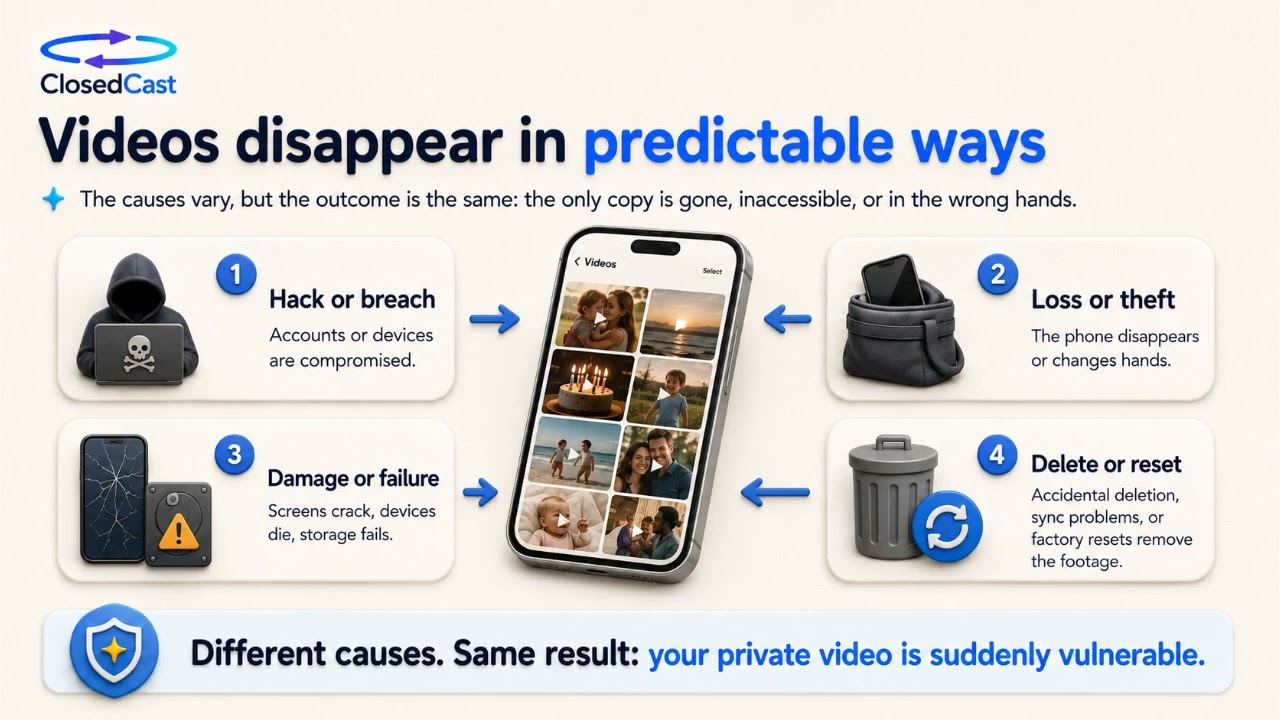 4:40
4:40
What happens to your private videos if your phone is hacked?
If a phone or the accounts connected to it are compromised, private videos can be exposed, copied, deleted, or otherwise put at risk. The safest approach is to stop treating the phone as the permanent home for...
Watch and read the guide → 4:40
4:40
Your phone isn't a video archive — preserve the videos that matter
Phones are excellent for capturing moments, but they weren’t designed as permanent homes for the videos you care about. To keep family memories, team highlights, or private recordings safe you need backups beyond a...
Watch and read the guide → 4:40
4:40
Protect private videos on your phone: backup and preservation
Your phone is a great capture device but not a reliable long-term archive. Phones can be lost, stolen, damaged, or subject to account compromises, so the only safe approach is to separate capture from preservation...
Watch and read the guide → 4:40
4:40
Securely backup phone videos and prevent exposure
If your phone, account, or cloud-connected apps are compromised, private videos stored only on that device can be exposed or lost. Backing up master files off the phone and keeping them in a controlled, private archive...
Watch and read the guide →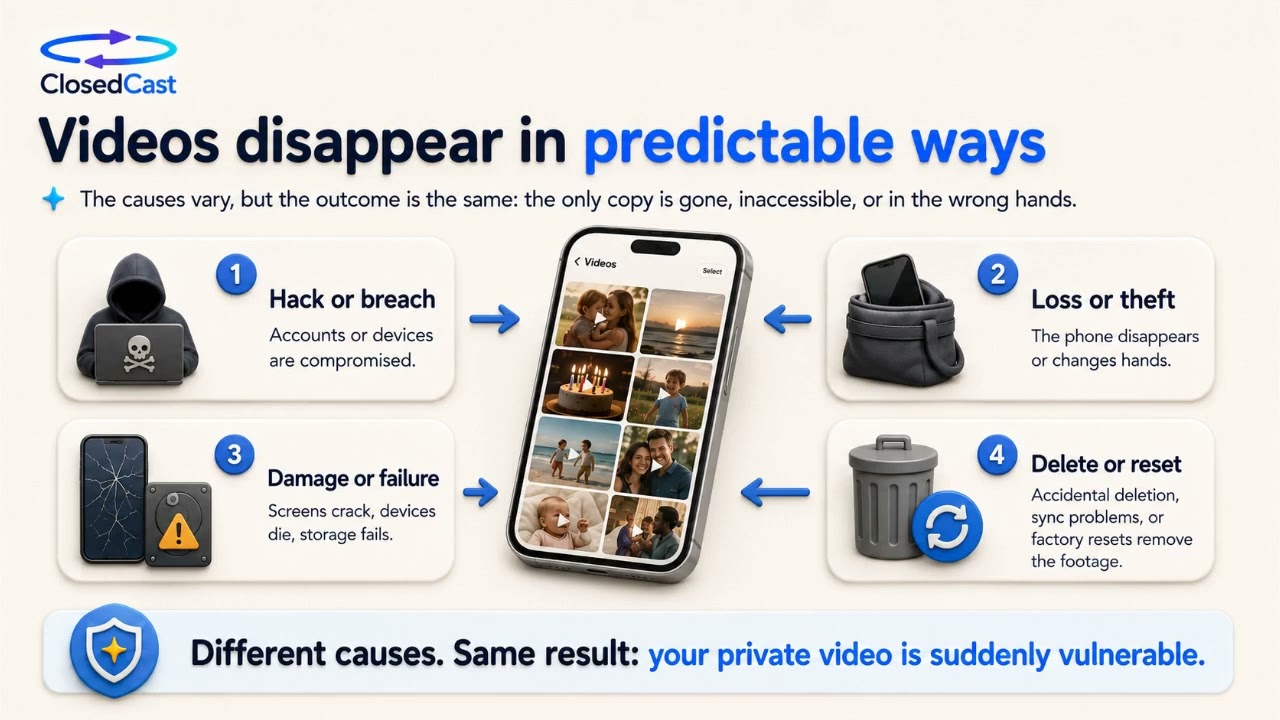 4:40
4:40
Protecting private videos: why your phone isn't enough
Phones are convenient for capturing life, but they shouldn’t be the only place your private videos live. Devices get lost, stolen, damaged, or compromised—so important videos need backup, recoverability, controlled...
Watch and read the guide → 3:45
3:45
Team video archive: organize and preserve your team's recordings
A team video archive is a private streaming library for training videos, meetings, coaching sessions, and other recordings your organization needs to keep. Use an archive to preserve institutional knowledge, organize...
Watch and read the guide → 2:17
2:17
Private video archive for organizations
An organizational video archive brings your group's recordings into one private, searchable streaming library designed for long-term access. Upload videos, organize them into Collections, and control who can view them...
Watch and read the guide →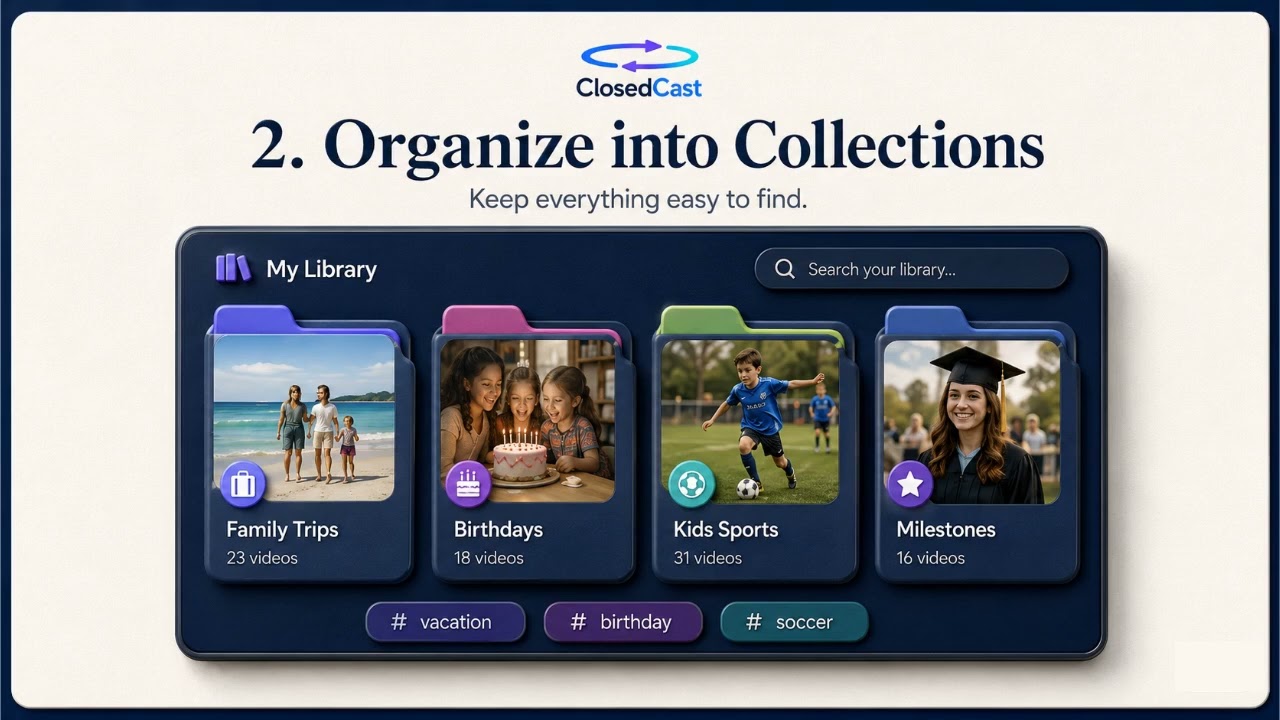 3:35
3:35
Private video streaming with controlled access and Roku viewing
Private video streaming lets you keep videos accessible only to a defined audience instead of publishing them publicly. Use upload, Collections, and access controls to build an organized, long-term video library that’s...
Watch and read the guide → 1:18
1:18
Private video archive: preserve, organize, and share your important videos
A private video archive is a single, organized streaming library for the videos that matter—kept private and easy to revisit instead of scattered across drives or links. It focuses on preservation, controlled access...
Watch and read the guide → 3:35
3:35
Private video archive: a private streaming home for your videos
A private video archive is a centralized streaming library that keeps important videos organized, private, and easy to revisit. Look for a service that lets you upload content, organize it into Collections, control who...
Watch and read the guide →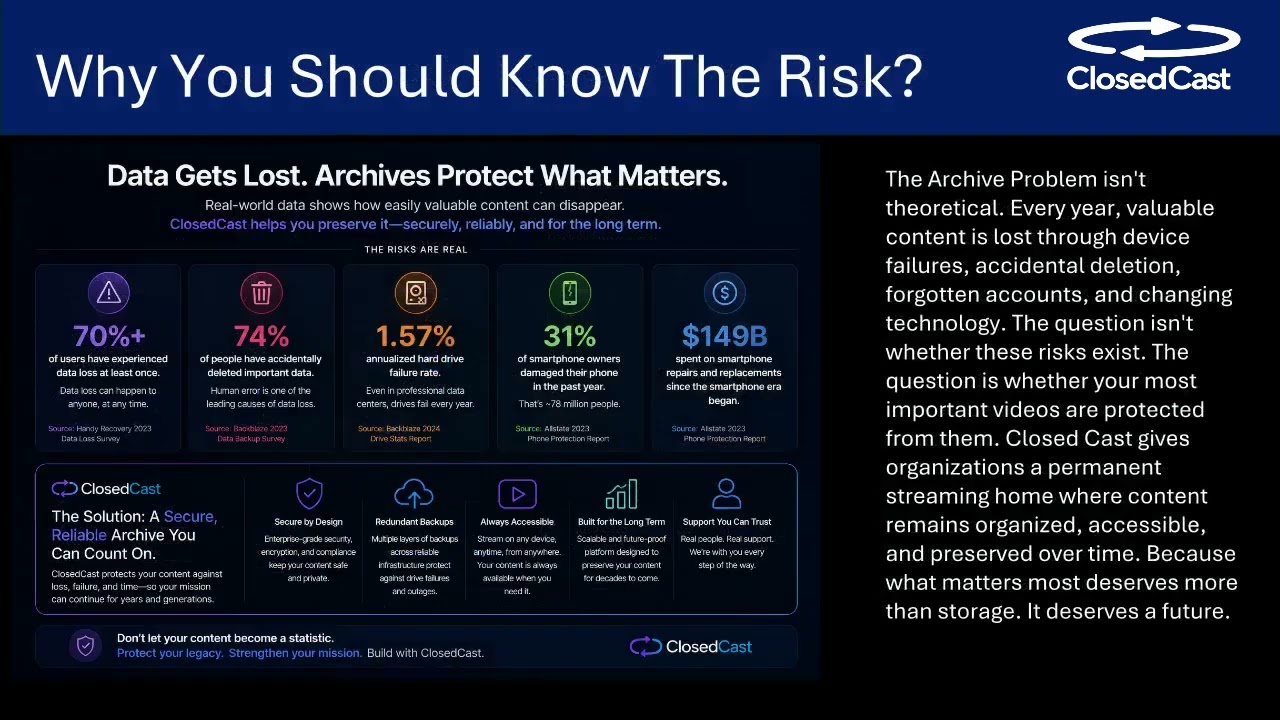 4:27
4:27
How to choose the best private video hosting platform
A good private video hosting platform does more than store files — it protects who can watch, keeps recordings organized, and makes replaying easy on web and TV. When you evaluate options, focus on access controls...
Watch and read the guide →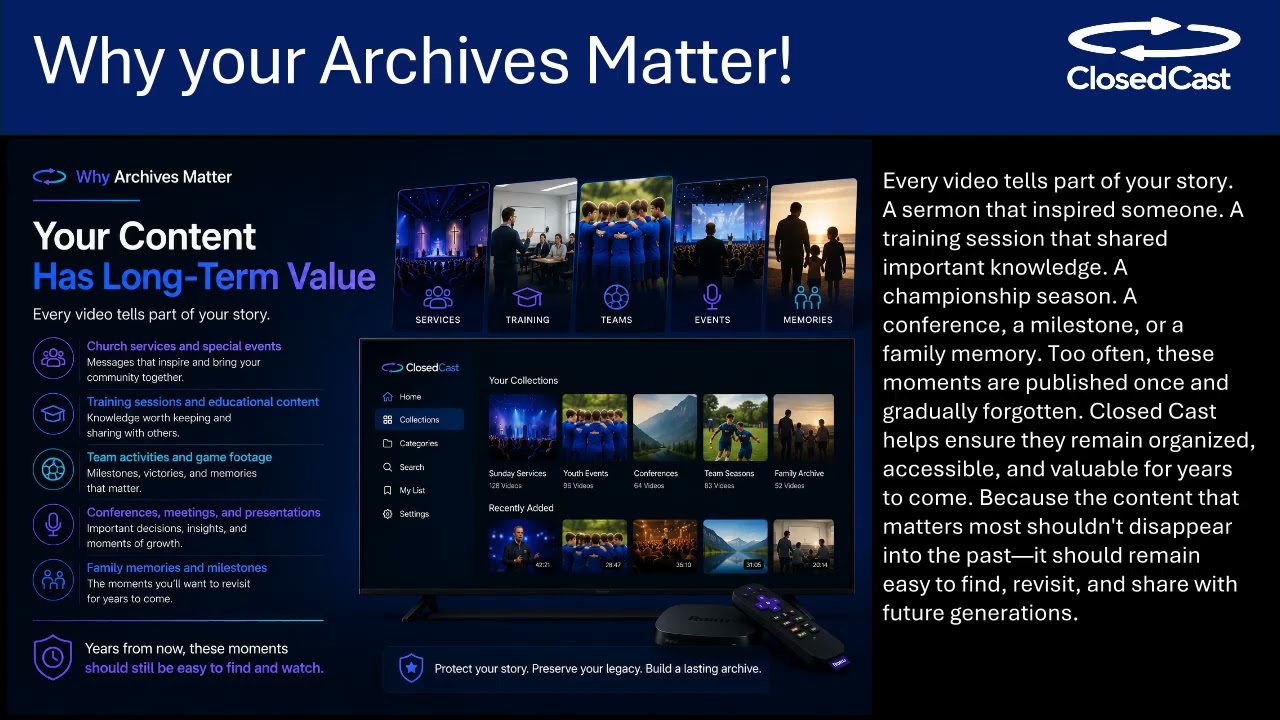 4:51
4:51
Private video hosting platforms: what to compare in 2026
Private video hosting platforms let you share videos without exposing them to public feeds or recommendation algorithms. When choosing one, focus on access control, organization and preservation features, viewer...
Watch and read the guide →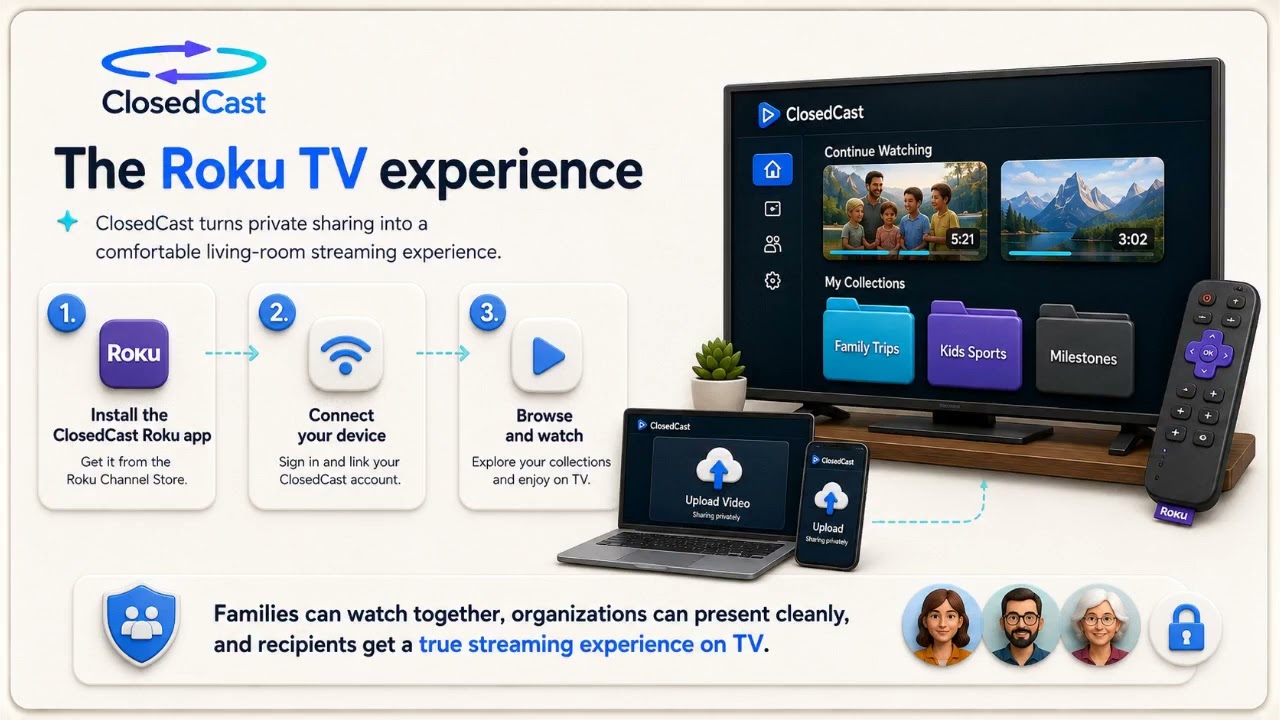 4:59
4:59
WeTransfer or a Private Video Library? How to Decide
Use WeTransfer (or similar services) when your sole goal is delivering a file. If you want viewers to find, rewatch, and preserve videos over time, choose a private streaming library instead. A private library...
Watch and read the guide →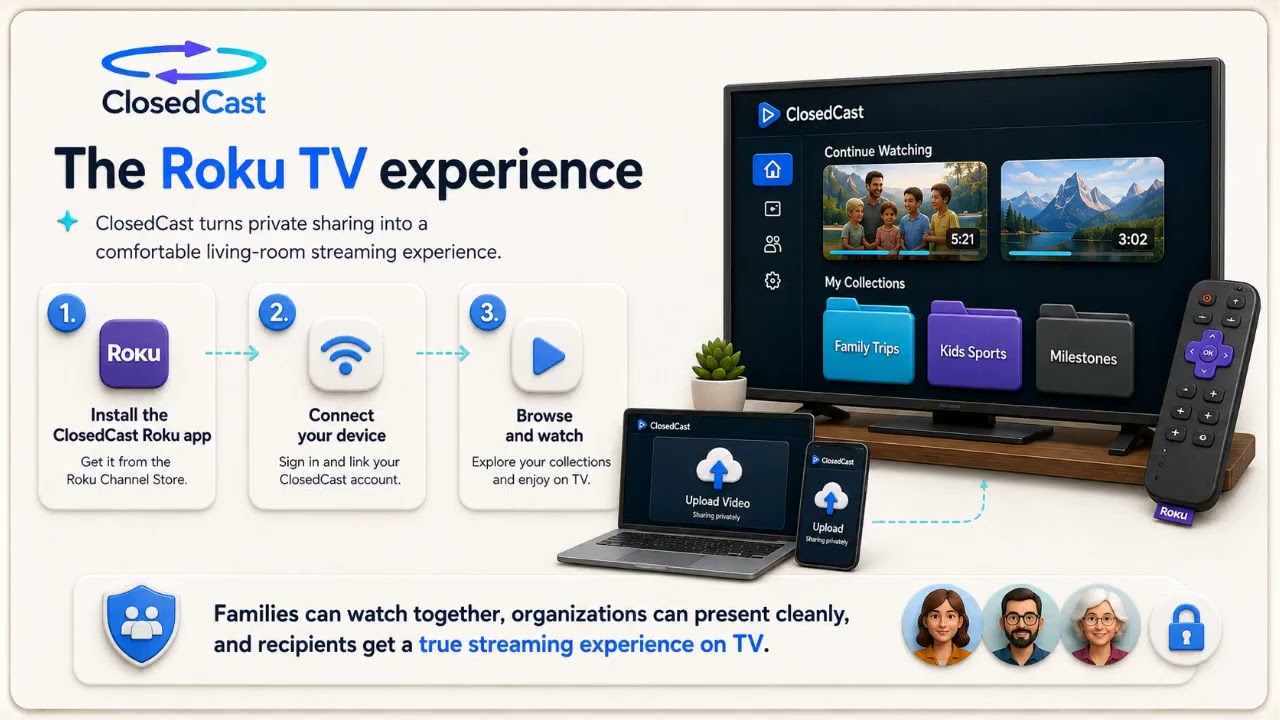 4:59
4:59
Turn transferred videos into a private video library
Files sent through transfer services are convenient for delivery but often end up scattered across devices. A private video library gives those files a single, organized home where you can control access, preserve...
Watch and read the guide →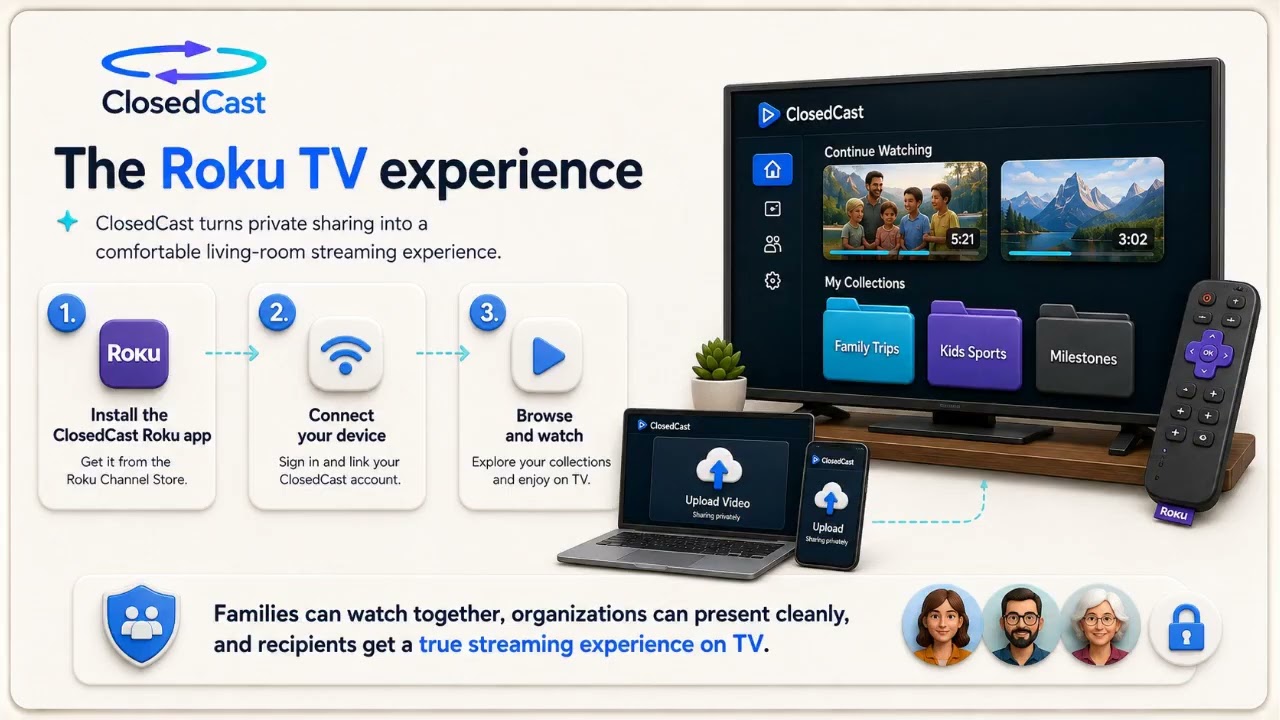 4:59
4:59
Private video hosting vs. file-transfer services
File-transfer services (like WeTransfer) move large files between people quickly, but they’re designed for one-time delivery. Private video hosting creates an organized, private streaming archive where videos stay...
Watch and read the guide →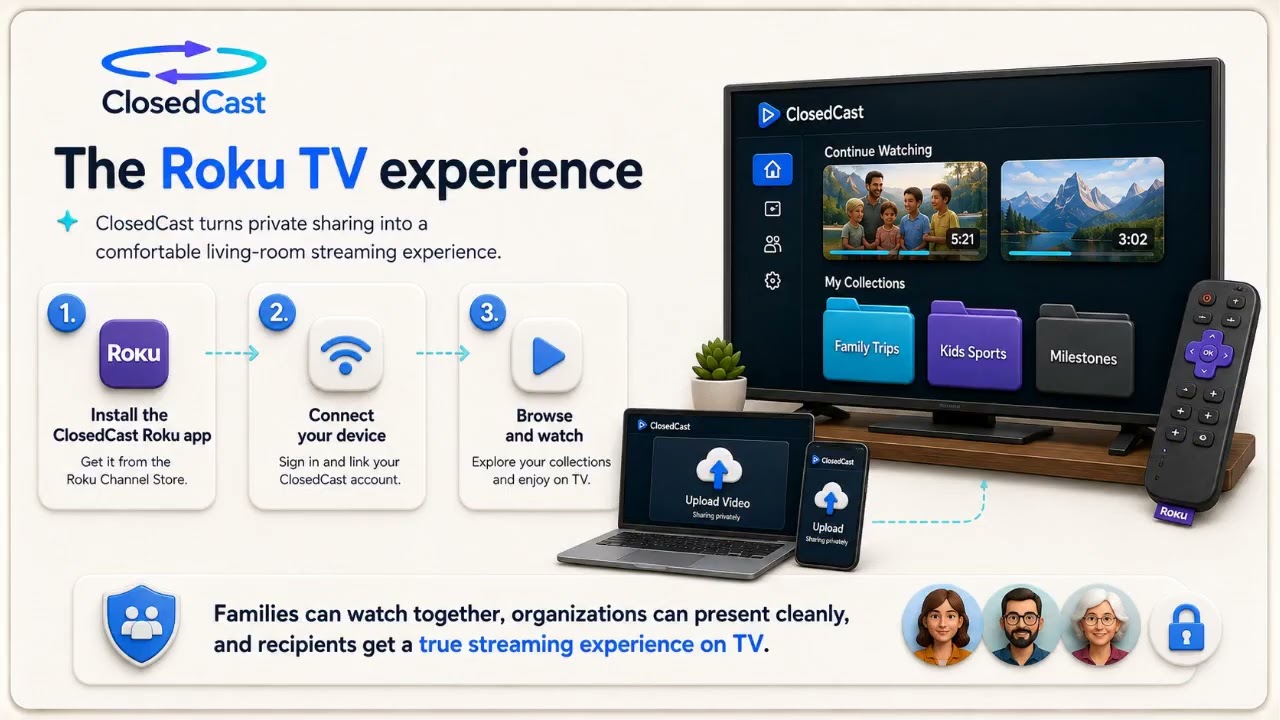 4:59
4:59
WeTransfer vs Private Video Hosting
Use a file-transfer service like WeTransfer when your goal is a one-time delivery of a large video file. Choose private video hosting when you want that video to live in an organized, accessible library you and others...
Watch and read the guide →


ClosedCast is an emerging leader in private video streaming , helping families, churches, teams, and organizations securely archive, share, and watch private videos online and on TV.